Interesting! When did that change? But it’s impractical for me to go back and redo more than 2k CDs. Now if Apple Classical promulgated substantial reworking of metadata back to the metadata repositories they use, AND allowed an easy way to ‘extract updated metadata for a given album’, that would be actually useful.
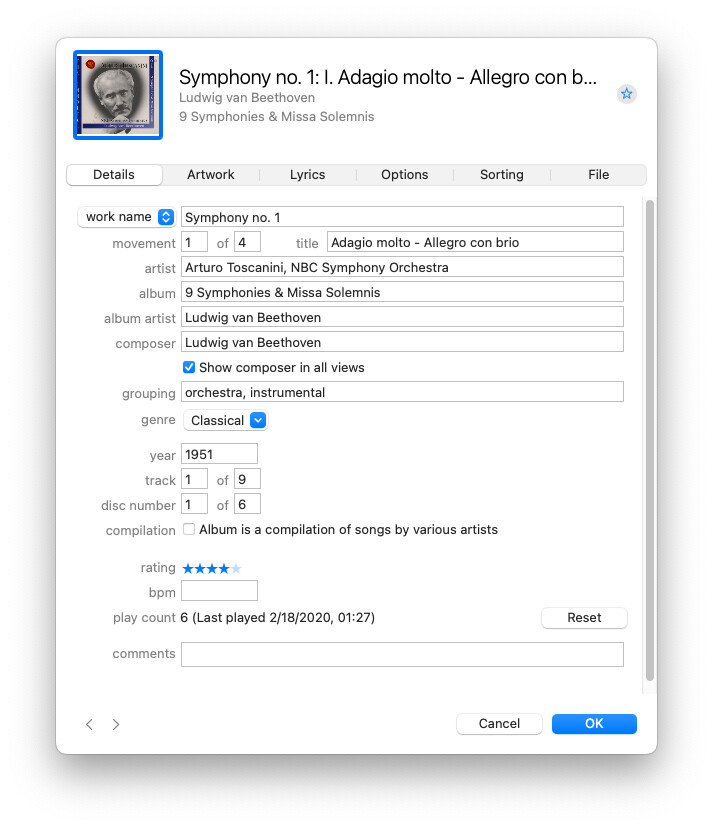
As I recall, “Grouping” was added to the Metadata about 10-15 years ago, well after the initial specification of CD metadata fields.
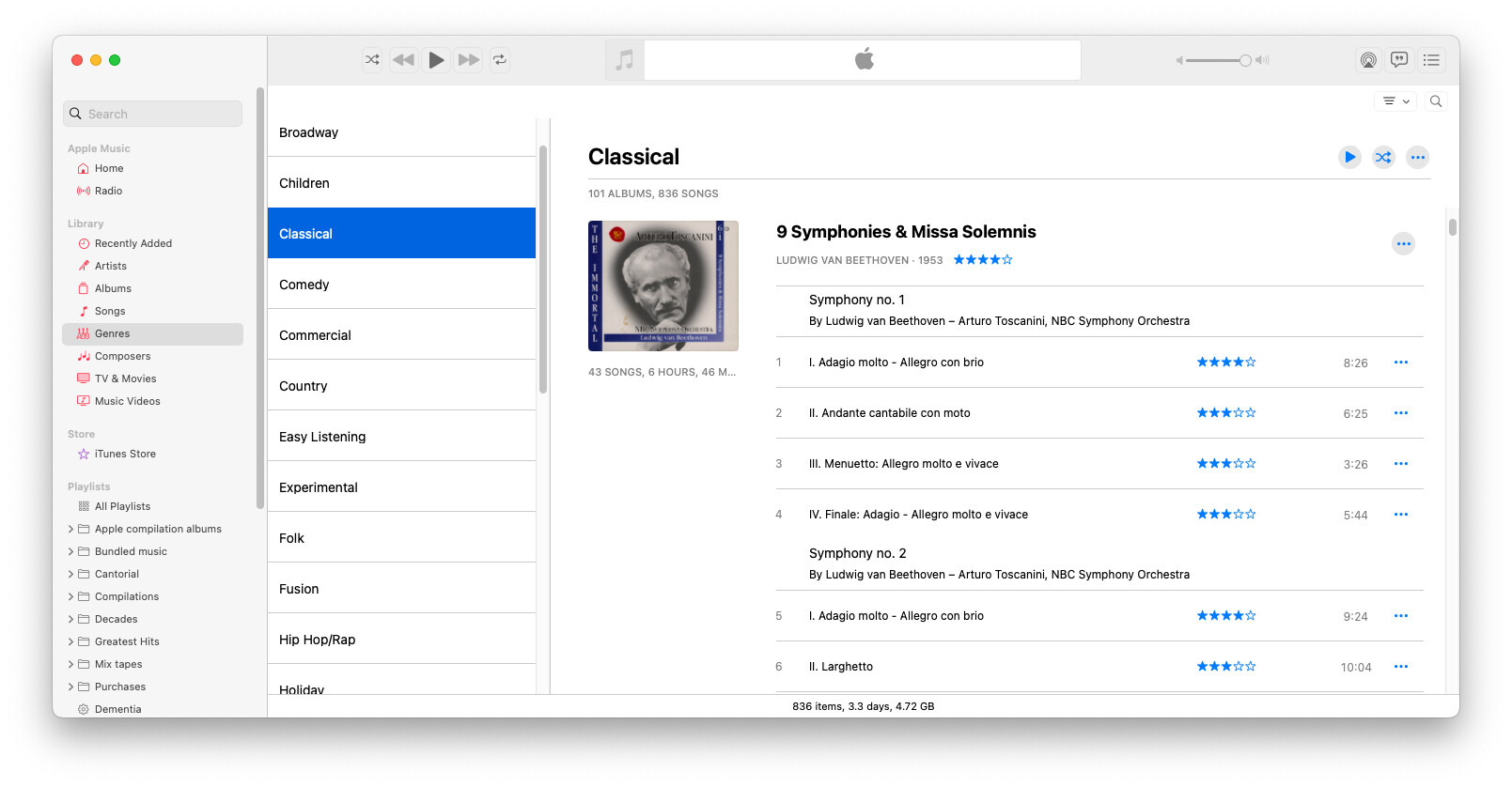
You beat me to the reply! For those who haven’t seen this, here are a few screen-shots. Here’s the fields filled-in for the first movement of Beethoven’s first symphony:
A lot of people do that, but I like to keep my genre’s fairly high-level (Classical, Country, Pop/Rock, etc.), because when I’m searching for something, I don’t want to try and remember what specific micro-genre I used for a track. Hence my use of the grouping field for extra tags.
But this does create a bit of a mess. On iOS (not macOS), I will sometimes see an album’s tracks grouped by this field if several tracks have the same grouping string.
If different tracks on an album have different strings in the Artist field, they will be presented as different albums, unless you do one of the following:
Set a value in the “Album Artist” field for all the tracks. This string will be used instead of the Artist field when identifying the tracks that belong to the album.
This is probably best for your purpose - set Album Artist to be the same for all tracks/movements (maybe the conductor or the orchestra).
Check the “Album is a compilation of songs by various artists” box. The Artist field will be ignored and only the Album field will be used when identifying the tracks that belong to the album. The album will be grouped with other compilations instead of with the artist(s).
This is best for albums that are true compilations, like those “greatest hits of 1987” type collections.