Chris…that’s what I’ve got now…been in service since sometime in 2021. One of their firmware updates basically bricked the ability to login and configure the thing although it still works just fine. Netgear’s solution is to factory reset and start over…and since I can’t get into the thing I can’t backup the config to restore…so a lot bigger pain to set it up again. And according to the comments on their support web site…even their suggested solution doesn’t always work for units that can’t be accessed via wifi.
Netgear has been supposedly “working on a fix for this” since sometime in late 2022…and it’s pretty clear that they’re not really interested in providing a fix other than “nuke it and start over”…they also suggested upgrading to their latest model instead. Given their ongoing lack of actually supporting the product I’m really hesitant to give them any more money although I might try the reset and see if it works before buying something else. I do have a backup conf file from 2021 when I first installed it so that would at least get me part way through the configuration restore…except I’m sort of fed up with their lack of support.
I used to work with a Chris Campbell at RBIS up in the DC area…picture doesn’t look the same as I remember but I haven’t seen him since 2007 or so…so you’re probably not the same one.
I guess I avoided the problematic firmware somehow? knocks on wood
I’ve had a string of lousy customer service experiences recently, so I definitely feel your pain. But at this point, I basically assume that all customer service is going to be bad anyway, so it doesn’t often factor into purchasing decisions anymore. I try to buy things towards the end of the year from Amazon so I get a couple months to play with them before they need to be returned by the end of January if they don’t work out.
I don’t think Netgear has released any updates to their Orbi firmware in at least 5 years. That’s decades in internet time, and is very concerning to me.
No worries…as I said the picture didn’t look as I remember from 17 odd years back. I’m still using a TP Link Archer router set to to 2.4GHz only since my weather station refuses to connect to a dual band network…if I end up trying the reset thing I will reconfigure the Archer first as a router instead of just a wifi point so if I end up bricking the Orbi’s I can just plug it into the cable modem and get back online…wife unit would not like no internet until tomorrow if I had to order something. The Archer isn’t as good a router but it would at least connect and happy wife happy life ya know.
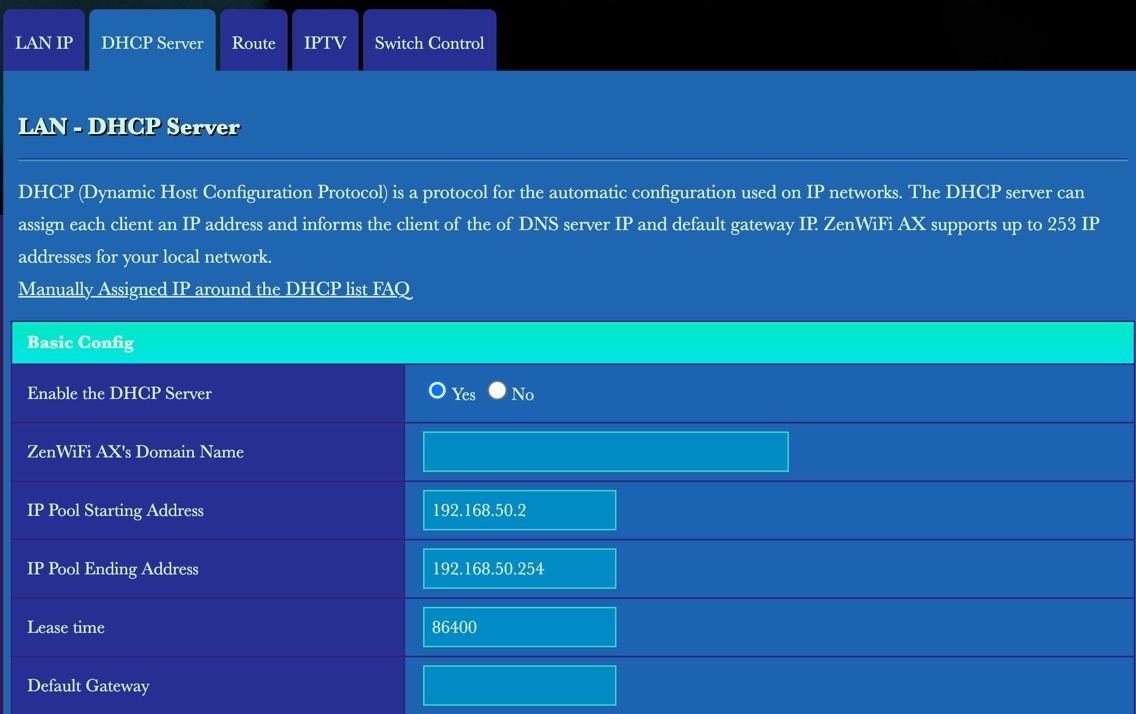
They did issue one back in early 2022 IIRC which was the one that bricked the configuration web page. Kinda makes it hard to go in and do another DHCP reservation or anything else. They did issue a version 7.2.6.31 last April according to the notes that which I downloaded in case I wanted to try the reset but as you say that’s a long time in internet time so I wonder what other bugs or vulnerabilities there might be in there…given that concern moving on might just be the best solution overall.
Yea I know about the own vs buy issues which is why I have my own cable modem and WiFi for my current home - it was tricky to set up but has worked fine. Today I had internet installed at my new home - Cox fiber 1Gig symetrical. The tri-band WiFi/router is free - no rental charges - and I pay $70/month guaranteed for 24months - no contract. That is a huge bargain given that the posted price is $120/month. Seems like there is some competition here in Las Vegas.
The thread here about moving to fiber from coax is good, as is the parts where folks say don’t rent, buy your own equipment.
In my neighborhood, fiber was laid by Brightspeed (was CenturyLink) when construction was done (2017-18). Comcast/Xfinity then brought in coax infrastructure. The rest of our subdivision has Lumos fiber and Comcast coax.
Having had CenturyLink DSL for decades in our old house, and pulling my hair out over their god-awful customer service, there is no way I am signing up for Brightspeed fiber, even though it would be less money for more speed.
Xfinity keeps raising not only my monthly rate but the rental rate for their Xfi gateway (which I do not have). I bought a Netgear CM2500v cable modem to use with my Asus RT-AX82U. While I can manage both, Xfinity controls the firmware on the Netgear CM2500v, so I have to wait for them to update that. This has happened twice in the four years I have had this setup.
I have the same setup as Chris and you Neil, picked it up as part of our Covid lockdown/everybody home/remote work strategy. Our home resembled a small business park at times but the tech legacy was mainly great.
Only issue with it after setting up was I found the apps to be unreliable, didn’t inform or report accurately. The network worked but my observations were thwarted, so I can imagine that configuration is very frustrating.
The status lights baffled too, the ‘working perfectly’ status being the exact same as ‘off’.
Yep. As I wrote, no cable company will let you manage your own cable modem. For all I know, it might be required by law.
Which is another good reason to keep the modem and router separate. A modem is a pretty dumb device - it just transceives DOCSIS frames on one port and Ethernet frames on the other. Even if it gets hacked, an attacker can’t do much because that Ethernet will be connected to your router which can (and should) be running NAT and probably some firewall services.
Yes, a compromised modem could be spying on your traffic, but even that shouldn’t be a very big deal if you use HTTPS connections for all sensitive communication.
(FWIW, I’ve got Comcast/XFinity cable service. I’m using an Arris SurfBoard SB6190 cable modem along with a Linksys MR8300v1 router and a few Velop mesh nodes.)
For my existing Cox system (1 Gig, not fibre) with my own (Motorola) cable modem Cox was pushing out updates to the (my) cable modem on a regular basis. After these updates (which happened overnight and were not announced) my internet access would gradually decay over the next 24 hours until internet connectivity was gone. The solution was to restart the WiFi router. It got so I could tell what was happening and would just reboot the WiFi before complete failure. But, this hasn’t happened in several months so they have apparently fixed the update software. I assume this won’t happen in the new house (fibre, Cox WiFi) since it is their equipment.
I kind of went down that path with a 3-node Orbi setup, and ended up throwing it out for the Asus XT-8 two-node setup. The Orbi units sometimes rebooted or hung at random for me, which is not really what I’m looking for in a infrastructure device…
I’ve been very happy with the Asus units, and they get updates automatically and regularly. Although the Asus documentation is sometimes a little English-challenged, it is plentiful and they seem to make an effort to be helpful. The interface is a good balance of UI friendliness and technical depth. Many, many aspects of the router are configurable.
It’s good to know the market, but I believe the Asus routers are built to fit in to your networking environment, rather than requiring you to change the environment to fit them.
Ahh…that’s another thing the Asus routers can help you with. You can do at least two things to help with that (I’ve done both with my own weather station, a Tempest):
Bind the MAC address of the weather station hub to a particular band on your router (the XT8 has 1 2.4GHz and 2 5GHz bands).
Set up a separate “guest” network (it’s not really for guests, but looks like a separate network to your devices), and only allow it to operate on 2.4 GHz … then have your weather station connect to that network.
My experience was that three fiber companies came through our neighborhood at about the same time. One was Cox (the incumbent coax cable company), another was Frontier (successor to Southern New England Telephone, the incumbent telephone company), and the third was GoNetSpeed, a newcomer.
All three of them are competing to sell 1 Gb service at about $60 a month, but both Cox and Frontier are wrapped up with the legacy legal language and tariffs that both restrict usage and add fees. GoNetSpeed is offering an internet connection, period. They are the ones who got our business, and they’ve been better than they promised.
The only issue at install was that their installer techs were trained to take out a smartphone, connect to our router, and measure the up and down network speed. GNS has a deal to offer customers a complimentary router if it appears their current router can’t deliver 1 Gb rates.
Of course, the problem is they’re measuring WiFi, not the actual speed being delivered from their modem. Since my Asus router has an embedded version of Ookla Speedtest, I took out my iPhone, connected to the router, and ran Speedtest from there. Of course it showed something like 970 Mb down and up, which is way acceptable.
The techs looked at each other, then called their supervisor who basically affirmed what I’d just demonstrated to them.
There was no way I was going to let them mess with my internal mesh system by subbing in a new, unknown router. But I bet a lot of other new customers did.
Despite that one hiccup, it’s been great to be free of playing customer service games with the likes of Cox.
I’ve been using a Synology router. Not sure if it’s exactly what you want but I believe they can be used to create a mesh system. Not sure where they are made.
When we moved to Europe we got a Fritz!Box router to connect to our DSL line. Initially I couldn’t configure it without connecting directly to it with an ethernet cable and adapter. It was also not connecting with the generic shortcut url but required the IP address.
Eventually it worked again over wifi with the IP address in a browser window.
Point is, maybe something as simple as connecting to the current router with a cable would allow you to the configure the Orbi.
Not sure if Fritz products (AVM?) are available in your area but we’ve used their electric wiring network extending features and the wifi repeaters with automatic meshing with satisfaction.
As I am not a networking expert, I have no idea if our configuration meets technical user needs but there are lots of settings there, many over my head. I change the ones I have experience with and look easy-well explained ie Guest Network or limiting use times or hiding the network for example.
Hope that helps!
I bought a Fritz!Box 7530AX and a 3000AX repeater to use here in the UK to replace an older Asus router. The user interface is nice and I have confidence getting regular firmware updates from a German company, even though I’m sure most of the chips are as Chinese as everyone else’s. It claims to work as a DECT base station, which could be handy when UK landline phone service is abolished in the near future.
I’m surprised to learn that people are still using Eero routers in a discussion of router security. They may be from an American company, but it seems well known among networking folks that Eero routers not only offer mediocre performance but more important have huge security risks — the folks at Eero / Amazon basically have access to your home network and the data flowing through it!
Can you offer some specific details to back up the claims about Eero/Amazon having full access to the home network and all data flowing through it? The Dong Knows Tech site link seems to just collect random articles about Eero.