I thought I would document my experiment here (partly for my own record)
Task: To trigger an iPhone/Watch notification if both residents leave home and a door is not locked.
I have a smart lock on the front door. Home Automations does not currently support notifications based on logic, such as “the last person leaves home” AND “the door is not locked”.
The Pushcut app (subscription required) does support this, in a roundabout way. You can assign a shortcut to an automations and insert a URL link in that shortcut that will trigger a notification from Pushcut
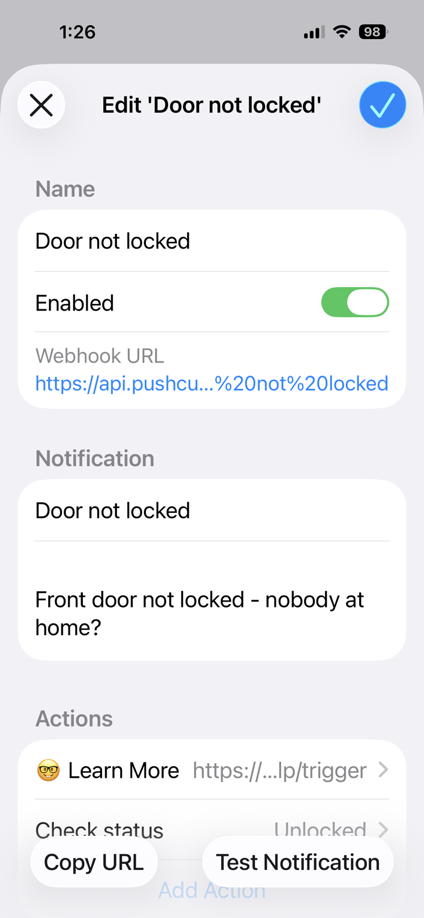
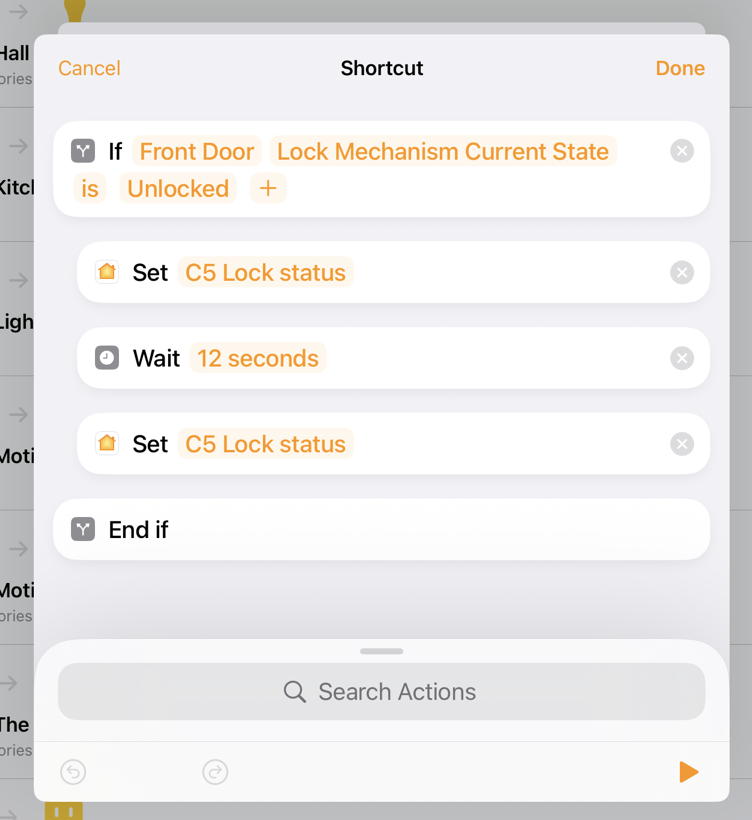
1 Create a new notification in Pushcut. This generates a unique URL for use in the Home automation. Copy the URL.
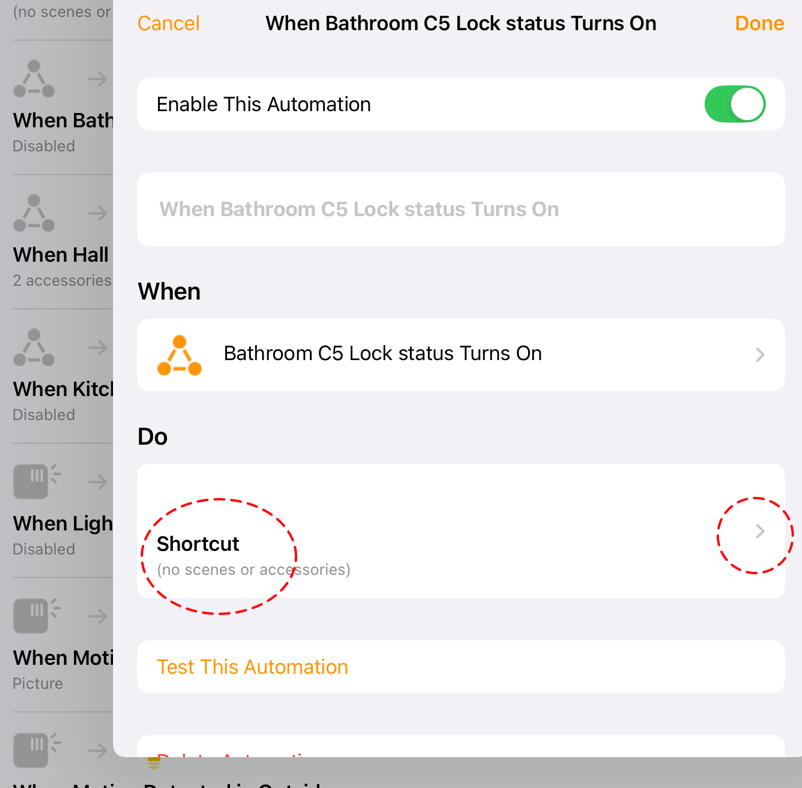
2 Next create a Home Automation that monitors an accessory. In my case I am using an unused power outlet called “C5 Lock Status”.
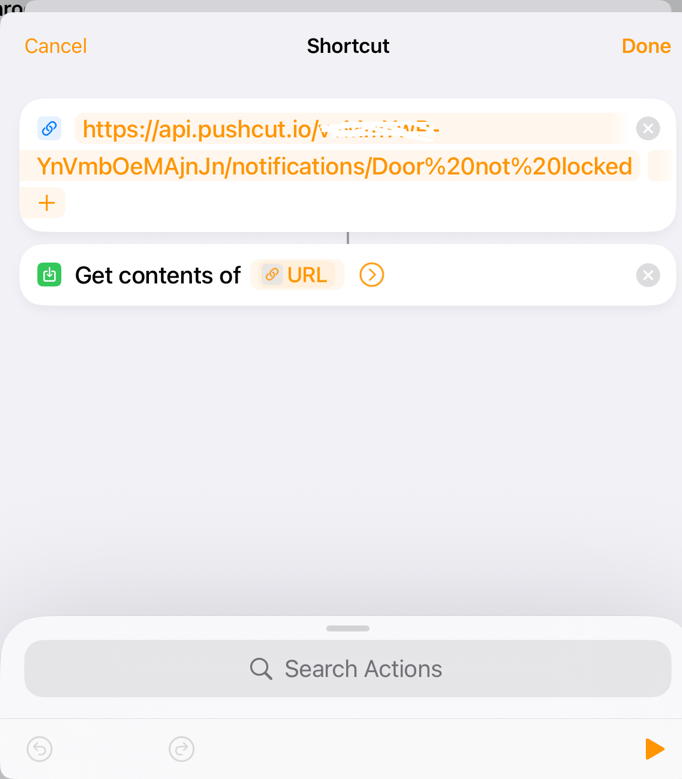
The shortcut looks like this, after pasting the Pushcut URL
3 Now create another Home Automation that activates another shortcut when “the last person leaves home”
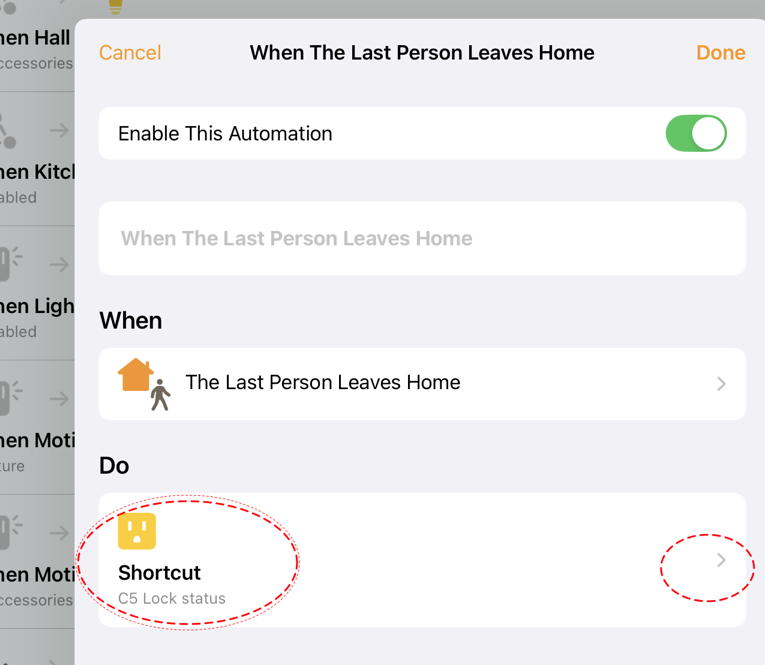
4 The shortcut tests if the door is locked. If not it turns the power outlet on for 20 seconds (Status “on”, wait 20s, *Status “off”)), which is enough to trigger the Pushcut notification
There might be a way to simplify these steps but at least I know this works.
Thank you to Rosemary Orchard for Take Control of Shortcuts and the Pushcut developer.