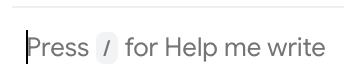
I’ve been happy with Gmail for a long time, ever since I was forced to let Eudora go, but now Gmail’s intrusive and decidedly unhelpful “help me write” is driving me to distraction.
There really should be an easy opt-out but there’s not.
I’ve tried every way I’ve found to get rid of it, but none of them have worked. So I’m hoping someone here might have come up with a solution that does.
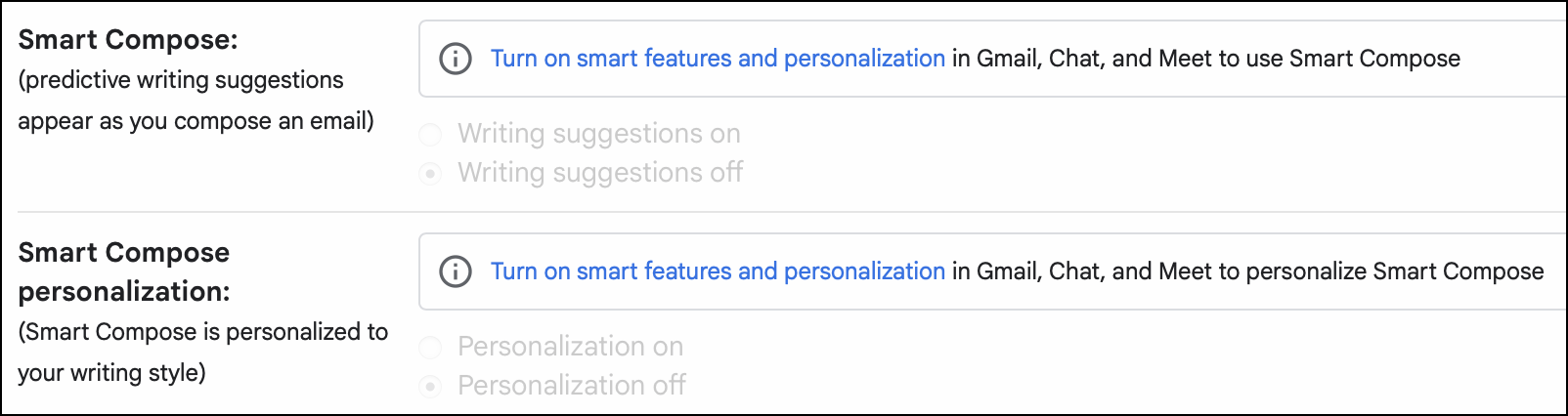
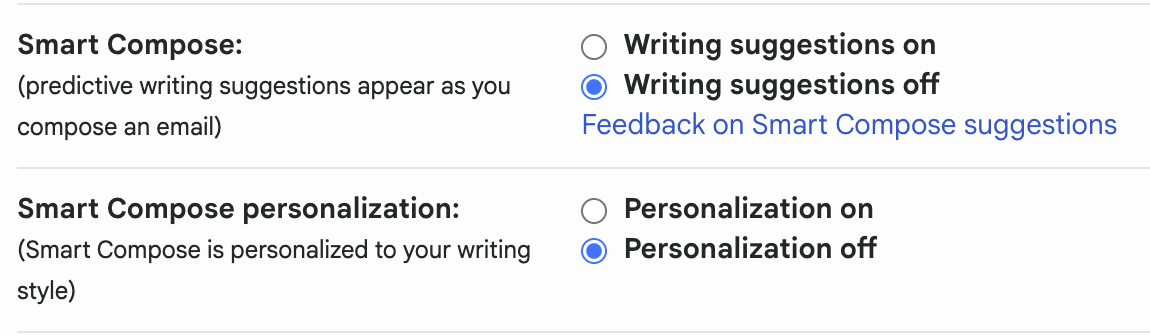
Starting today, my consumer Gmail accounts started showing the “help me write” prompts everywhere, even though I have every “smart feature” I can find turned off. (I am not seeing it in my Google Workspace accounts.)
I hate it too, but the good news is that with the smart options turned off, the “help me write banners” are less aggressive and easier to ignore. Also, the spellcheck (typo-catcher) still works. The grammar check does not but I don’t miss it.
I have only consumer Gmail accounts, no Google Workspace. Never saw a need for that, but if it would help vanish the “help me write” banners that might be a motive.
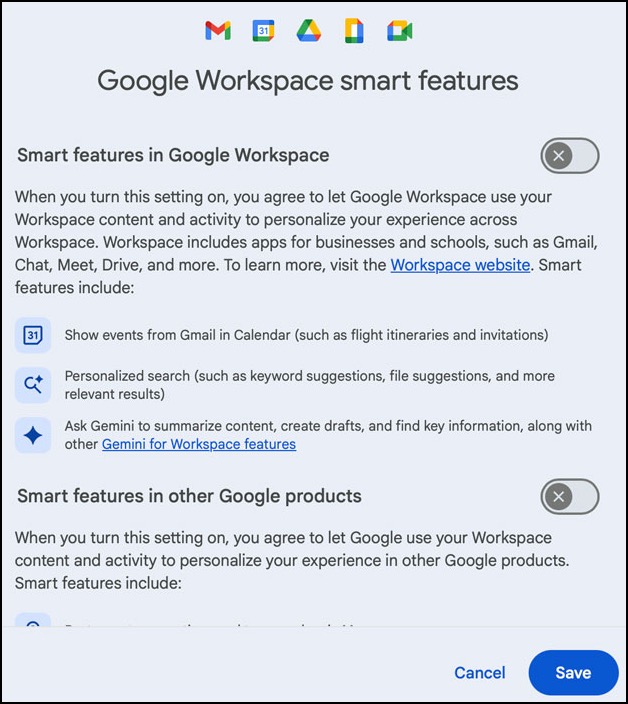
I just noticed that the option for “Google Workspace smart feature settings” was toggled on in my consumer accounts.
Aside from the confusing idea of associating something from a standard, consumer account with Google Workspace, I am certain that I had disabled those features on all of my consumer accounts. The behavior seems better now that I toggled them off again.
I suppose it is possible that I somehow activated them by accident, but it seems very unlikely that I did that across multiple accounts. This behavior truly is getting outrageous.
PS. Just to say that I am not a total luddite, I let Gmail “help me write” a simple email just now. It took a short, three bullet point message that was written in my voice and turned it into bland, cookie-cutter corporate-speak. Pure slop.
I’ve been very happy with Gmail for ever since I chose it when I had to leave Eudora 20-something years ago. I’m pretty fond of parts of AI too, but I resent anything that arrives uninvited and without an opt-out option.
I hope that enough of us in all age groups will share my feelings to persuade Google to rethink a few things now.