I’m still using Catalina to avoid some unfortunate macOS design decisions, like how they’ve gotten rid of the border between the macOS menu bar and the desktop, and how all keyboard shortcuts now look disabled.
Is there a way, in the newer OS versions, to get that border back without having to “go nuclear” by turning on Improve Contrast or similar?
I assume you’re talking about the default for the desktop to bleed into the menubar. There is a simple checkbox in System Preferences->Accessibility->Display to ‘Reduce Transparency.’ will keep the menubar and background for drop-down menus white rather than allowing the desktop to bleed through.This creates a sharp border unless the top of the desktop is also white.Unfortunately, the keyboard shortcuts stay gray. They will be active if the actual comment is black rather than gray.
Unfortunately, even with reduced transparency, the menu bar still lacks a more crispy separation from the desktop background that you can find in older versions of macOS:
That aside, I completely agree with your comment about the keyboard shortcuts’ “disabled” appearance. Not sure why Apple’s designers couldn’t leave “good enough” alone.
I guess my desktop background is about to get a lot darker :) Why would they make the menu GRAY? I mean, my current one is 250,250,250, which technically is gray. But it’s almost white.
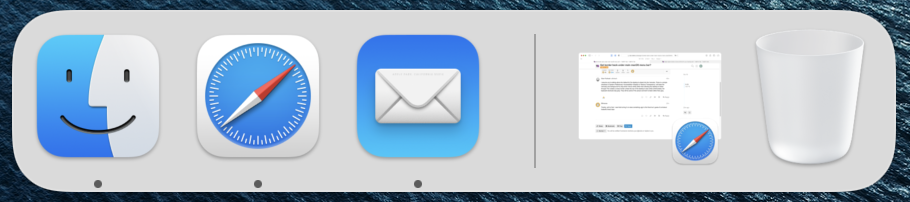
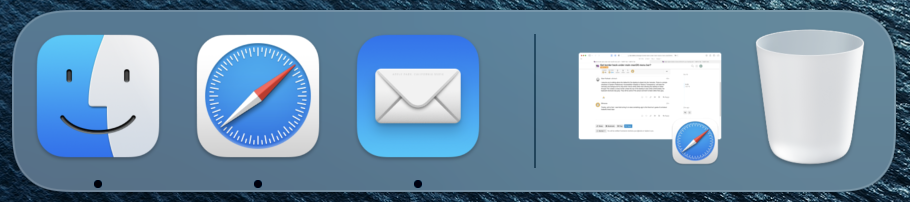
Maybe the Dock image I saw was from an older version, then people complained…?
And why, indeed. Still secretly hope that Jeff Williams will revert such nonsense when he becomes CEO. But I’m probably dreaming.
Another option – and the one I opted for – is to edit your desktop background image (or rather, a copy of it, duh) to have a lighter strip at the top. I didn’t want pure white but rather a gentler off-white, as it happens, so that was the better solution for me.
Thanks! Thought of trying that as well. There seems to be a shadow; see this image, in which I’ve turned the desktop white. But adding one isn’t difficult.
There’s a bug where it still sometimes decides to make the Menu bar white on black, despite putting a white contrast strip at the top of your desktop image.
Also, when you switch your MacBook between different size monitor setups, at home and the office as I do, then it gets annoying to have to keep applying different desktop images.
I tried these ideas (rather than using “Reduce Transparency”) and while I got a nice white menu bar, I also got the REALLY ANNOYING (sorry for shouting) transparent menus. So I went back to “Reduce Transparency”. Is there any way to get rid of transparent menus without using “Reduce Transparency”?