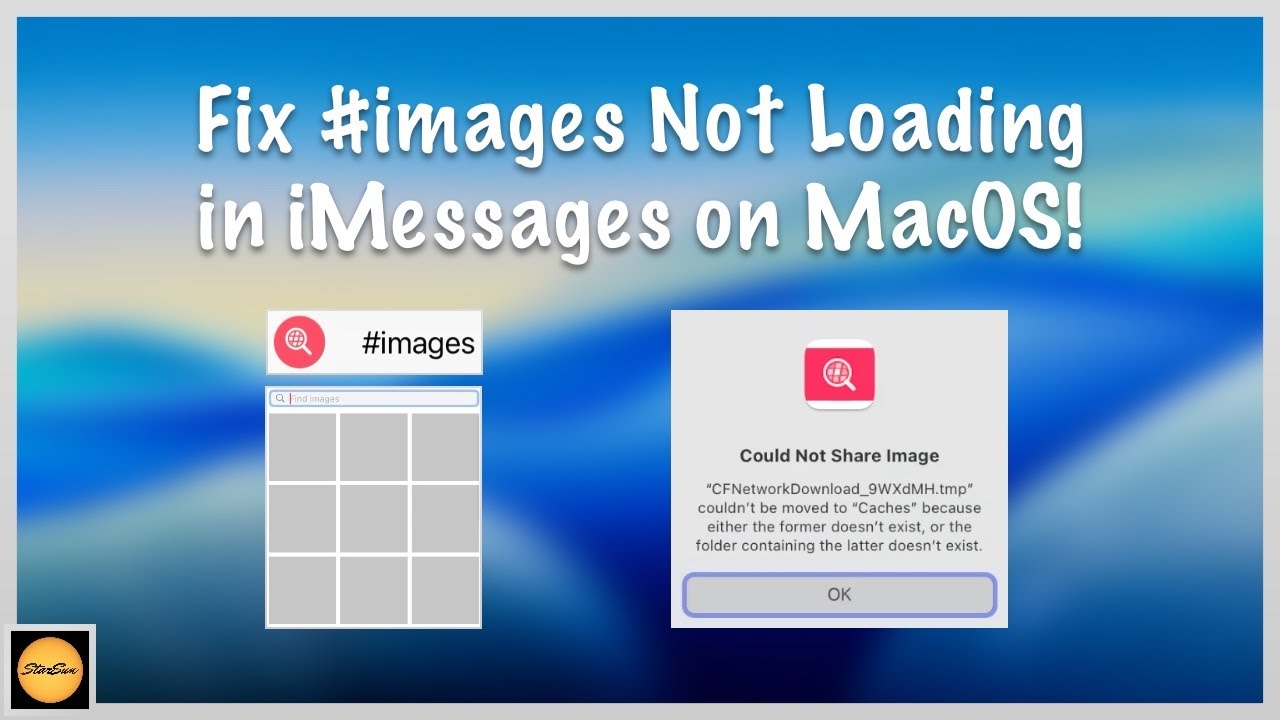
I recently found that I could not use the #images feature of Messages on my Mac. Trying to use it would just bring up a panel of gray squares, and failure to load when clicking on them.
A web search found this video explaining the problem, and presenting a fix:
Quick summary:
- This often happens after restoring a system from a backup
- The fix is to delete the folder
~/Library/Containers/#images. Then quit/restart Messages. - The fix worked for me.
- The video is more verbose than it needs to be. It takes you the long way through the Finder to get to the
~/Libraryfolder. And it says you need to empty the trash afterward - you don’t.