You can group icons into folders, just like on iOS. For the approximately 150 apps on my Launchpad, they all fit on one screen. My most commonly-used apps on the main screen, and the rest organized into folders:
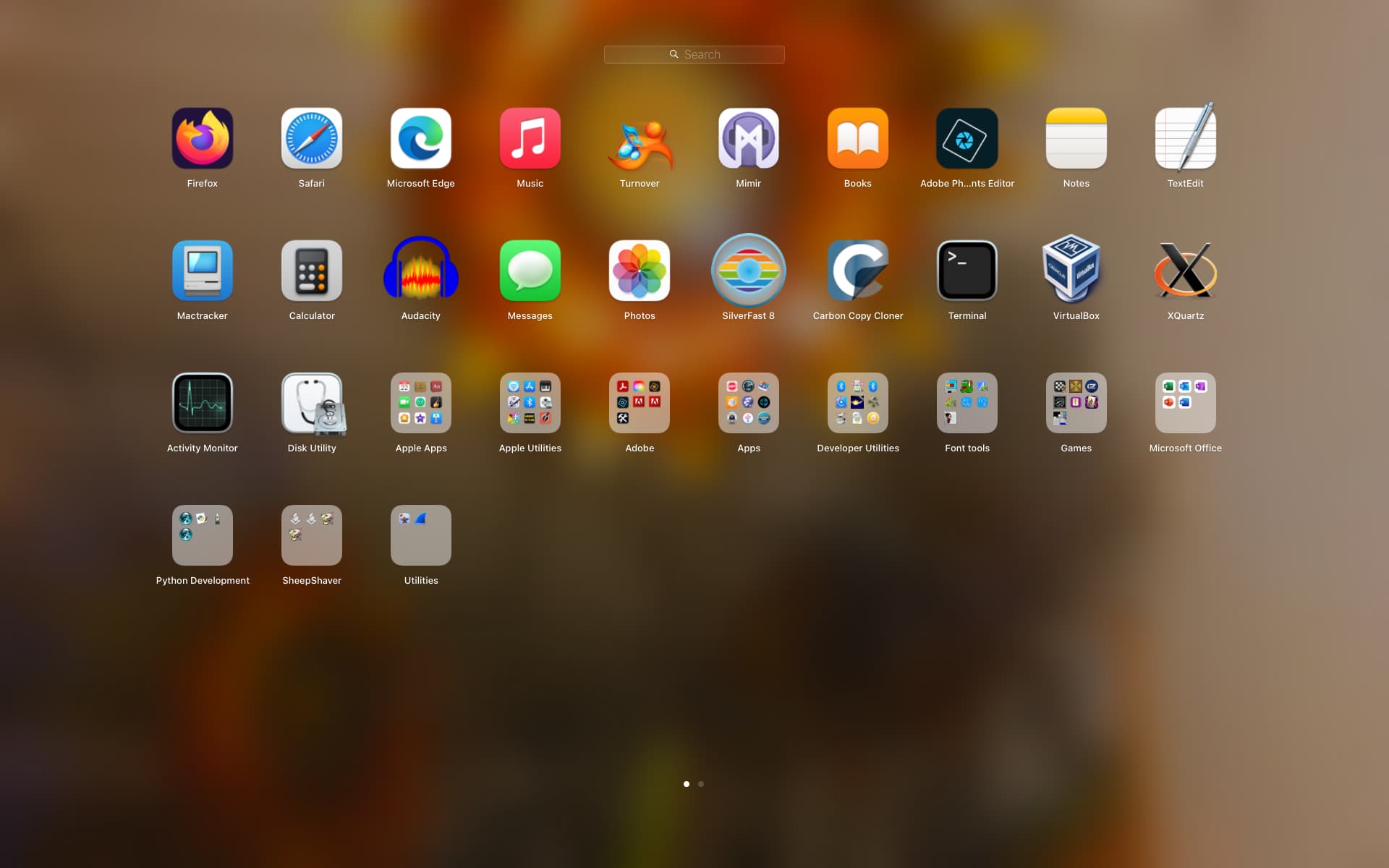
You can also configure the number of rows and columns for it. As you can see, my system has 10 columns, vs the 7 columns (and 5 rows) in the default layout. To make this change, in the Terminal, type:
defaults write com.apple.dock springboard-columns -int 10
killall Dock
Killing the Dock process causes it to restart, loading the new configuration.
See also: https://apple.stackexchange.com/questions/27476/how-can-i-change-the-icon-size-in-lauchpad