I may not have much to add except more confusion. OTOH when you take the bull by the horns it may not be clear which way is up, so who knows what may help.
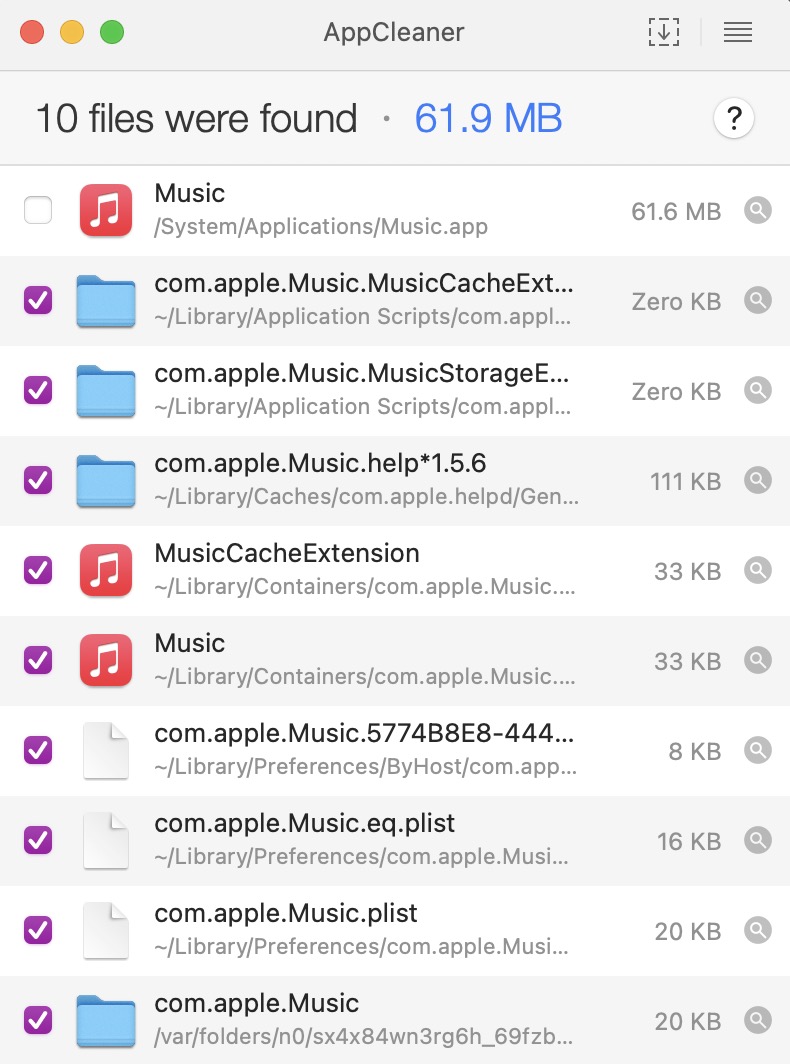
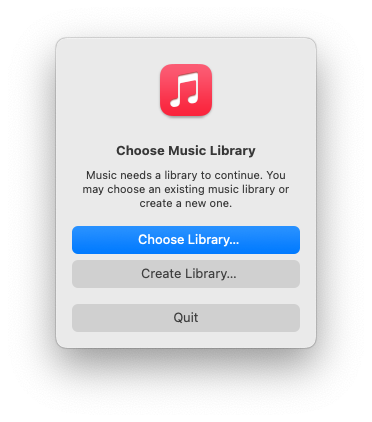
I have tended to avoid Music ever since it was released. My main use of music on my Mac is playing webcast radio, or from my library. From all I read, Music did not work well with libraries, and it might replace my transcribed-from-CDs versions with its on-line versions. Waiting for years, Music’s reputation did not improve, so I backed up my media and tried converting to Music. From my subsequent experience, Music’s poor reputation is deserved. Point is, the rest of my comment does not start from a known well-functioning Music system.
(Lower case M) music in my house is played through Yamaha equipment, arranged in three Rooms controlled by Yamaha’s MusicCast application. Supposedly MusicCast can play my Media via Airplay, which is made available by Apple Music. Recently this has not worked well. Maybe I just did not spend enough time trying, or … who knows why?
I recently moved into a three story house which was wired with ethernet. I purchased a Ubiquity Dream router (UDR7) gateway and a few switches to run UniFi and manage the LAN, and began learning about VLANs and such advanced features. I am still learning and trying to get things right. One recommended advanced feature was to create a VLAN and WiFi on which Yamaha devices and MusicCast could be isolated. When it works it is great. Unfortunately, MusicCast has always been unstable, and I have only played webcast radio. Accessing my Media by Music / Airplay did not work (IIRC).
Ubiquiti tech support recommended turning off all advanced features, including a switch which implemented Level 3 routing, using only the UDR7 for routing. I did this a few days ago, and am not satisfied with all the results so far. Except, much to my surprise, now Airplay seems to work!
I do not have a “do this and everything will be fine” happy ending to the story. Like large random variations in data, Heisenbugs suggest you are not looking at all the relevant variables, so I am suggesting another place to control for trouble. I believe you are also working with Ubiquiti equipment. I suspect Level 3 routing, as implemented by some Ubiquiti switches, may have bugs. Ubiquiti equipment and software is very full-featured, but online discussions suggest much still appears to be beta quality. Ubiquiti is responsive and fixes known issues fairly rapidly, but simultaneously adds features possibly creating new issues.
Eliminating Level 3 routing by a switch seemed to let Airplay work for me, but other advice from Ubiquiti tech support seems to require adding back such routing. I am still trying to figure out the best way to set this up.
I suspect unknown issues in your UniFi System may be a source of your problems, as it seems to be for me.