I had a little play with ChatGPT Atlas today. First impressions:
It requires full disk access to import bookmarks from Safari, but it never appears as an option in System Settings/Privacy/Full Disk Access. This despite, quitting, restarting etc. I guess it’s a bug but not a great way to welcome people from another browser.
There’s no option to turn off tabs, although you can hide them (I don’t like tabs). This creates an issue as it basically hides existing websites. Eg, I was on a site and then chose Show All History from the menu bar. It showed the history and my existing site disappeared. I had to turn View Tabs back on to get back to the original site. It doesn’t seem to matter what you do, new windows always open in a tab.
Again on history, the actual historical sites don’t appear in the History menu (as it does with most other browsers) You have to open a history window to see them.
You can display your ChatGPT history in a sidebar which feels really weird - it’s like having two apps running in the same window. A warning though, I was part way through this post and clicked into ChatGPT which immediately nuked my post.
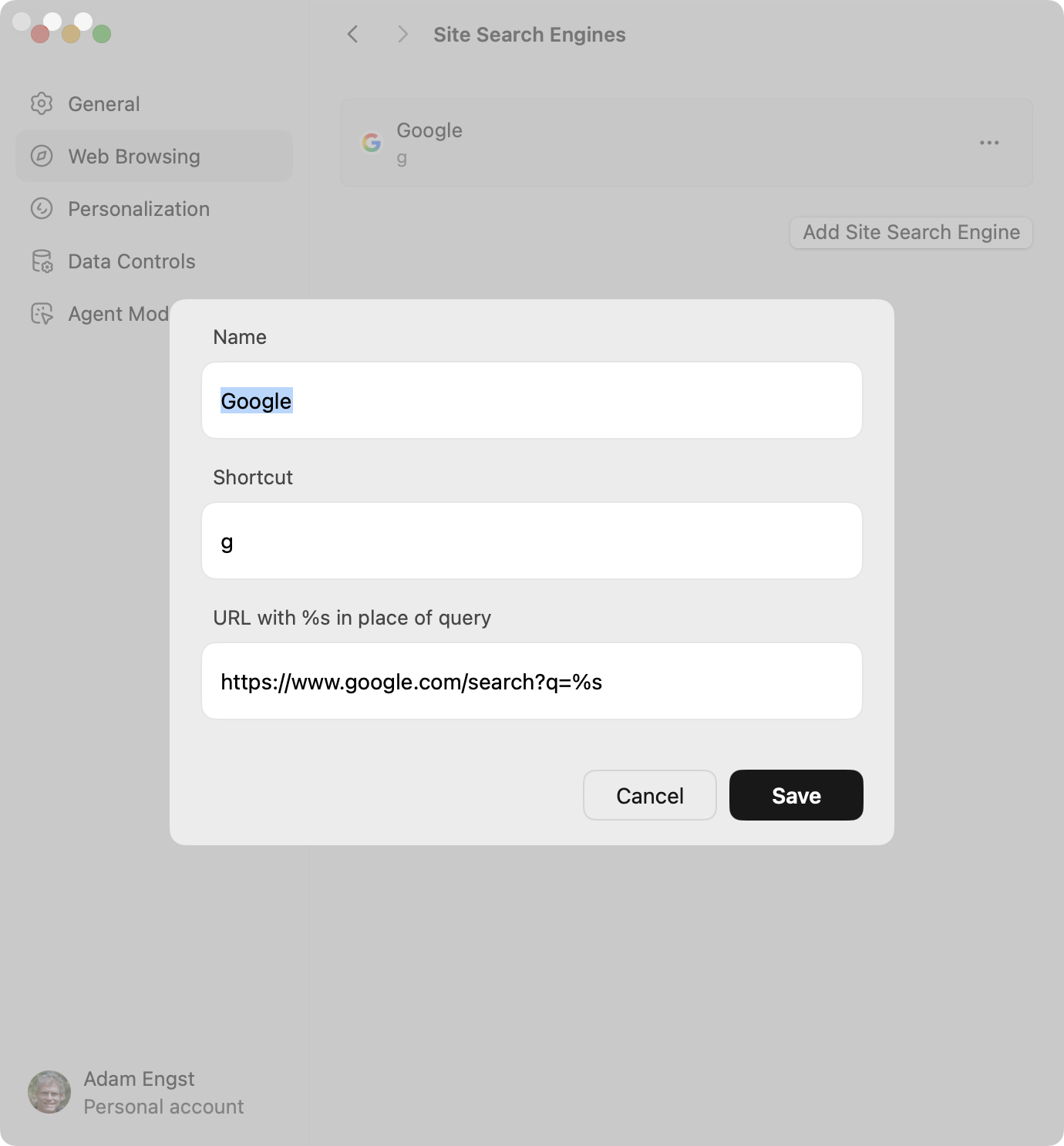
It seems there’s no built-in, selectable way to choose a search engine other than ChatGPT.
It’s V1.0 at best so will be buggy. Will I be trying it further? No, Safari serves me well — but I guess it’s always good to have competition.