Canva’s Affinity Combines Photo, Designer, and Publisher into One Free App

Originally published at: Canva’s Affinity Combines Photo, Designer, and Publisher into One Free App - TidBITS

The market for high-end graphic design software just got weirder.

Several years ago, I wrote “Consider Switching from Creative Cloud to Affinity V2” (5 December 2022) to encourage those who were paying significant monthly fees to Adobe for Creative Cloud to check out a competing trio of apps from a company called Serif. Affinity Photo, Designer, and Publisher gave Adobe Photoshop, Illustrator, and InDesign a run for their money. They may not have fully matched up to Adobe’s powerhouse apps, but they were close, and the cost was a fraction of Creative Cloud. Pricing has varied a bit between versions and during sales, but a one-time purchase has typically been less than two or three months of the $54-per-month Creative Cloud subscription I was paying for at the time; Creative Cloud is now $69.99 per month.

In 2024, Serif was acquired by Canva, a leading online tool for lightweight design tasks in a collaborative environment. The acquisition seemed to make sense, since Canva’s online tools couldn’t serve professional designers who needed native software capable of precise specifications and long documents. (And, presumably, Serif’s owners felt that selling to Canva was more profitable than staying independent.) The addition of the Affinity tools allowed Canva to keep users within its subscription fold even if they outgrew Canva’s tools (see “Canva Acquires the Affinity Suite of Professional Design Apps,” 1 April 2024). At the time, Canva promised to offer affordably priced perpetual licenses forever, expand and enhance the Affinity products, provide Affinity for free to schools and nonprofits, and listen to and be led by the design community.

Canva has just announced the next big thing for the Affinity apps. The company is replacing Photo, Designer, and Publisher with a single desktop app called Affinity, available for free on macOS (Apple silicon and Intel) and Windows, with iPadOS promised soon. That’s impressive, but nothing in this world is really free. Using the new Affinity app requires a Canva account, which is causing conniptions among a vocal subset of users in the Affinity Discord community who would prefer the promised perpetual license to a free app that requires an online account. You can choose not to share usage data with Affinity, and privacy preferences in your Canva account let you specify which other data-sharing and AI-training options you’re willing to allow. You must be online to download and activate Affinity with your free Canva account, but once activated, the app works offline. Features like help documentation, stock libraries, and Canva AI integrations require an Internet connection.

Unlocking Canva AI tools within the Affinity app requires a Canva premium plan (Pro, Business, Enterprise, or Education). Along with the Canva AI “studio,” a premium plan is required for the Depth Estimation, Colorization, and Super Resolution machine learning models. The Canva AI tools include Object Selection, Generative Expand, Generative Fill, Generative Edit (shown below winterizing a summer photograph), Portrait Blur, Portrait Lighting, Colorize, Super Resolution, and Select Sampled Depth.

Affinity Generative Edit

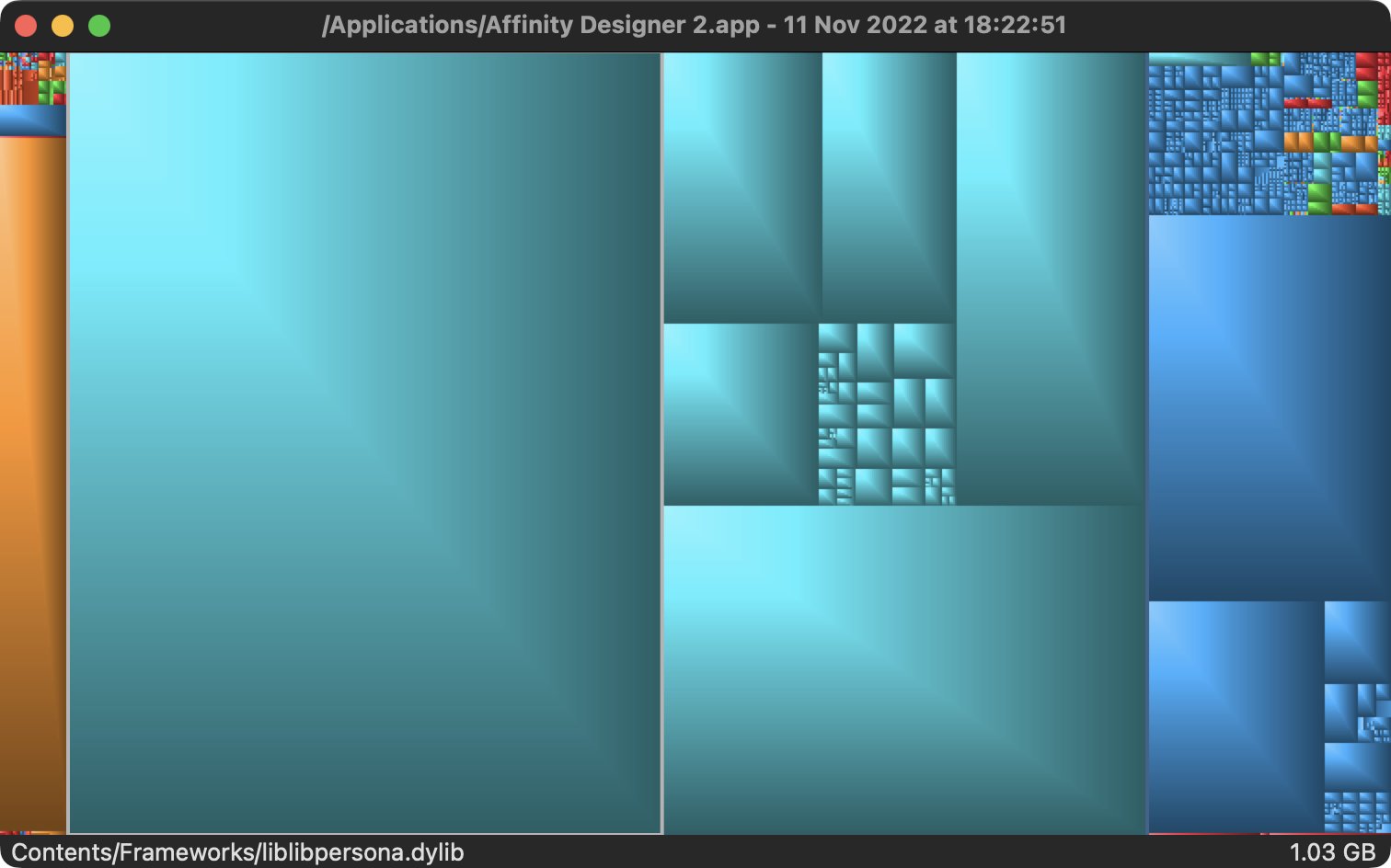
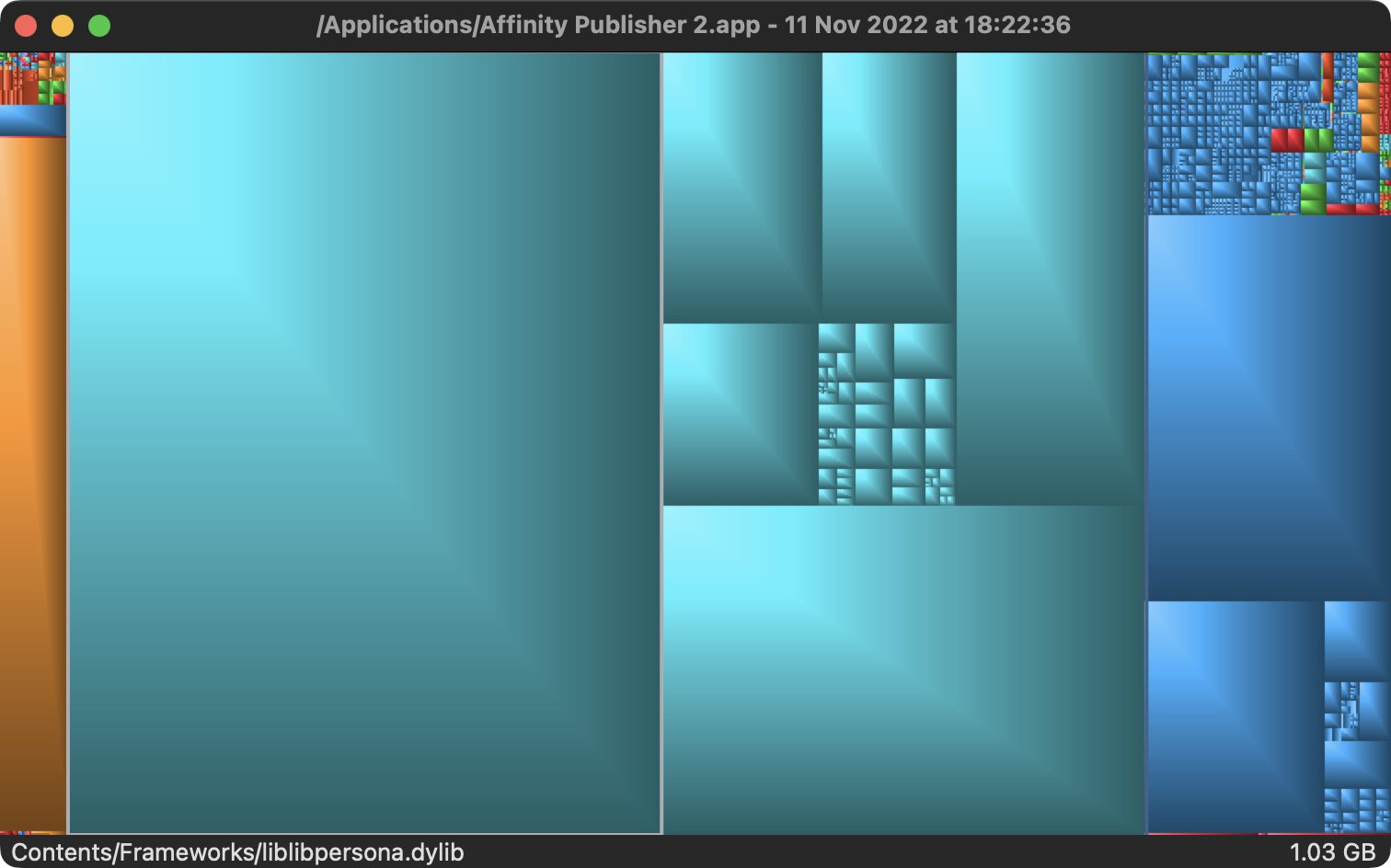
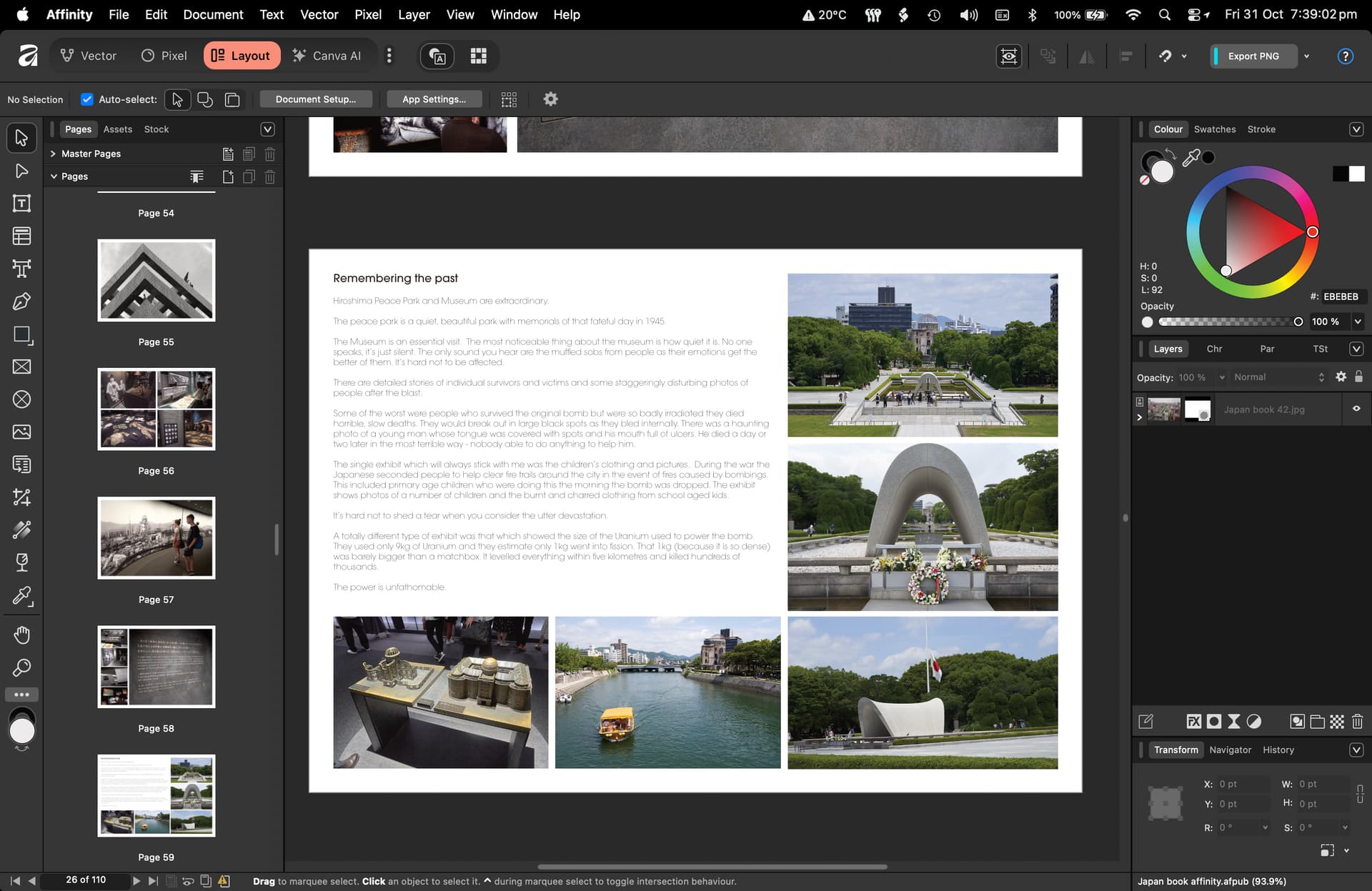
“Studios” (the buttons at the top, which the user can choose to hide or display) are essentially toolsets that match the previous Photo (Pixel), Designer (Vector), and Publisher (Layout) apps, plus new sets for Slice, Canva AI, Retouching, Color Grading, Typography, and Compositing. Some users will undoubtedly feel that Affinity is overloaded with features they have no use for, but others will appreciate not having to send data back and forth between the apps. If you only need tools for one discipline, you can work entirely within a single studio (Pixel, Vector, or Layout) and ignore the others. My understanding is that the apps had extensive shared code, so it may have been efficient for the Affinity developers to combine everything into a single tool once there was no business advantage to selling three separate apps. The new app is 3.5 GB on disk, whereas each of the three previous apps was 2.88 GB.

From what I hear, the new Affinity app offers all the same features as V2 of Affinity Photo, Designer, and Publisher. The new app can open files from previous apps, but its files are not backward-compatible with older apps; those apps remain functional but will no longer receive updates.

5 Likes

It’s out, Affinity has released their new Affinity Studio package. Most of you will recall that the company was recently acquired by CANVA.

They have now one app to combine all previous components Photo, Designer and Publisher.

And they make it FREE. You need a Canva account to download it, but you don’t need to stay logged-in to use it. CEO’s announcement is here: https://www.youtube.com/watch?v=UP_TBaKODlw And their new website is here: https://www.affinity.studio

Lots to talk about it I guess.

I hope it stays like that. I have been worried about this transition. As of now you only need to pay to add “AI” components….

Just downloaded it. Looks like I may be able to finally ditch my Adobe CC subscription—if I can just find a good replacement for Lightroom Classic.

I’m looking forward to seeing a comparison of the new version to the equivalent Adobe tools.

I agree, the holy grail will be a competitive DAM/Raw Editor. There’s several other options but none of them are suitable replacements,

2 Likes

Very pleased this came out and with the pricing strategy. I will definitely be pushing this to my students.

I think someone here complained that it was the same app three times over. Looks like they have some validation here where each app is treated here like a mode or studio as they term them.

2 Likes

Just watched their Affinity Studio vid—am I missing something?

Or was there really no mention of the future of the existing Affinity applications?

Sure, we can keep AI out of the frame—but I set a fairly widely distributed newsletter in Publisher, never use Design, and employ Photo only to change the basic settings of JPGs.

So having a Canva account I will download Studio—but I’m concerned, deeply, by the future of Publisher…

Answering my own question from the Affinity website:

"* What if I prefer to use the Affinity V2 suite? Will it get updates?

That’s totally fine. Your Affinity V2 license (via Serif) remains valid and Serif will continue to keep activation servers online. But please note that these apps won’t receive future updates.

For the best experience, we recommend using the new Affinity by Canva app."

So they are doing away with Photo, Design & Publisher—just as we all feared when Canva bought Affinity… !!!

No, they’ve just rolled them into a single app - much like if you used StudioLink with the previous versions. If you only want to use Publisher, I think the UI allows you to hide the other two, but it seems fairly unnecessary.

2 Likes

I’m not so optimistic—DTP didn’t get a look in in their vid! :upside_down_face:

Today, Affinity apps, all of them, became free in one grand app. Ahh, but is it truly free? Canva wants to give you a gift. It’s an amalgam of the Affinity/Serif apps in one. However, as I suspected, the new permutation is heavily focused on AI features.Are these features built into this new and free creation? Nope. You must have a Canva account, a paid account, to get those features. Assuming you’re motivated to use AI in your workspace.Canva offers you a Pro plan or an Enterprise plan. They are both costly,and I’m not interested in paying for more stuff when apps like ON1 Raw 2026, or Skylum Neo or Luminar AI has them built in, no added fees. Yeah, I’m old, and hate much of today’s so called progress, but I have to ask, is your creative work still your own when you allow AI to be the determining factor in your production? Does anyone remember when Fractal Painter came out for the Mac so many years ago? It was a wonder because it was a painting/graphics app, that gave the user tremendous, lifelike powers to create on a computer.From there the decline began. We were told you needed a company to add their Machine Learning and AI to do real creative work. I’m not convinced. This new Affinity app is lacking in other ways, beyond the charge for the AI features. It lacks a method to set a default DPI. It is set at 72 DPI and I couldn’t find a way to change it. Even a TIFF 8 bit or 16 bit came out at 72 DPI. There’s no way to set 16X9 as a delault or to set a default long edge. I didn’t bother with the builtin new Pubisher or Vector apps. I said no thanks after my experience with the new Photo component. If you have the previous versions of the Affiniy apps you can continue to use them. Of course there will be no updates, no improvements, no direct support, but you still own what you paid for. Generous of Canva, wouldn’t you agree

I think you’re missing something. Publisher is still there (called Layout), along with Photo (Pixel) and Designer (Vector), all in one app (Affinity). You’ll still be able to do everything you can do now, but with a tweaked interface and a single app instead of multiple.

I just opened a book I created in V2 Publisher, directly in the new Affinity. It displays exactly as expected (as it does in V2). Maybe you need to take a look a bit deeper than their intro video. Have you downloaded the new app and tried opening a file?

3 Likes

I signed up for the new forum today - I believe the first time I’ve ever used Discord.

Boy, it’s horrible. I can’t see myself frequenting there.

3 Likes

Yes, I’ve a Canva license and I had Studio downloaded quickly. Naturally I could see the elements of Publisher there and did a bit of work in it.

But Canva are making ‘an initial public offering which is expected to make instant millionaires of some of its 5500 employees. “We could certainly go out tomorrow if we wanted to,” Canva co-founder Cliff Obrecht said of his company’s IPO readiness. “From an operational perspective, we have been running like a public company for years now.” Canvas achieved a staggering $US65 billion ($98 billion) valuation in an employee share sale in August – up from $US42 billion this year’ (Sydney Morning Herald).

Thus my worries re Affinity are broader. By not speaking of the publishing or photography applications they’re keeping things opaque—that has to be a worry…

1 Like

I wrote about this a while back, but the three apps were always just the same app with different things disabled.

https://x.com/gingerbeardman/status/1591134988598398977

🙋‍♂

3 Likes

No, it doesn’t.

You’re essentially saying because something wasn’t shown in a short intro video they’re somehow hiding something. That makes no sense. By this logic, a car ad would need to show every possible feature of a car, or it could be accused of a worrying lack of transparency.

I have zero concerns at all. Being owned by a company worth $65 billion US dollars adds the kind of security of which Serif could never have dreamed. As for their staff becoming wealthy, good on them. Canva won’t be short of developers asking for jobs if people leave.

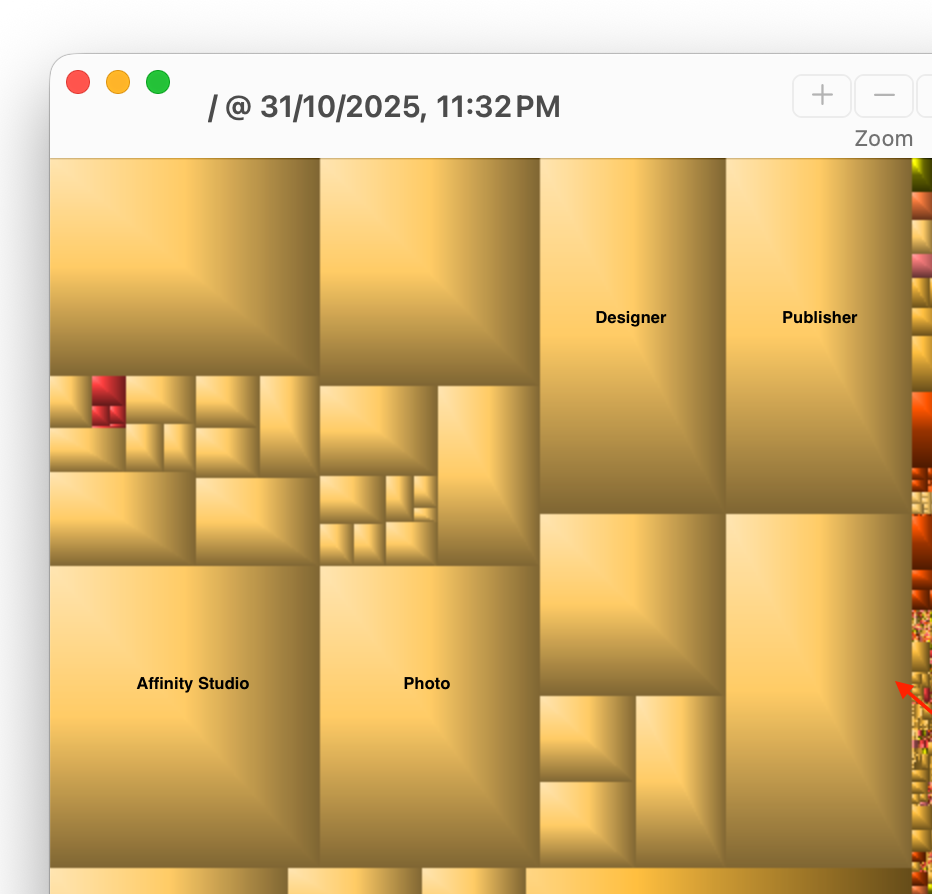
Certainly, I’ve been conscious of this. And Grand Perspective is interesting with this in mind:

trilo, I appreciate your optimism. I hope you’re correct. But it wasn’t such a short video, and I’m still pessimistic myself. “Free forever” has ominous echoes!

2 Likes

I see I am now expected to pay $150CAD/year for the AI features I was getting included with my “permanent” license for the Serif products. Not doing it. That’s why I dumped Adobe. I’ll stick with Nitro and Affinity Photo.

1 Like

I am a huge fan of Discourse based forums (like this one) and have a similar level dislike for Discord based. The latter is just another disorganized firehose of posts that force me to try to follow a few threads I’m interested in.

1 Like

Unless they’ve taken things out for Studio, which would be surprising, these are all possible in the separate V2 apps.

For example I created video game manuals in a ratio close to 16:9. And I set dpi in some window and also on export.

Also the AI is entirely optional and locked behind a paywall so unintentional use seems impossible. Easy to not use it.

2 Likes