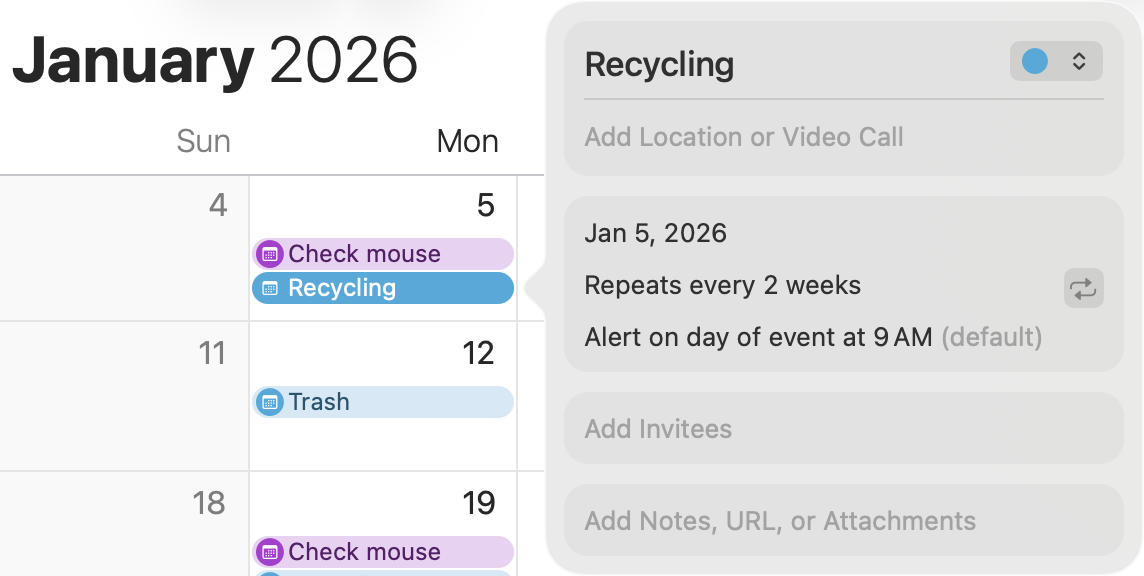
I recently moved from a late 2012 iMac running Mojave (10.14; to keep using Word 2011 as long as possible) to an M4 now on Tahoe. I use the Mac Calendar on the desktop exclusively, ie, no syncing via iCloud. I pretty much just use the Calendar for reminders, eg, to send an invoice at the end of the week and whether this week is trash pickup or recycling. Since the move, I don’t get any reminders. I added holidays and got notifications for those, but not at all for my own events.
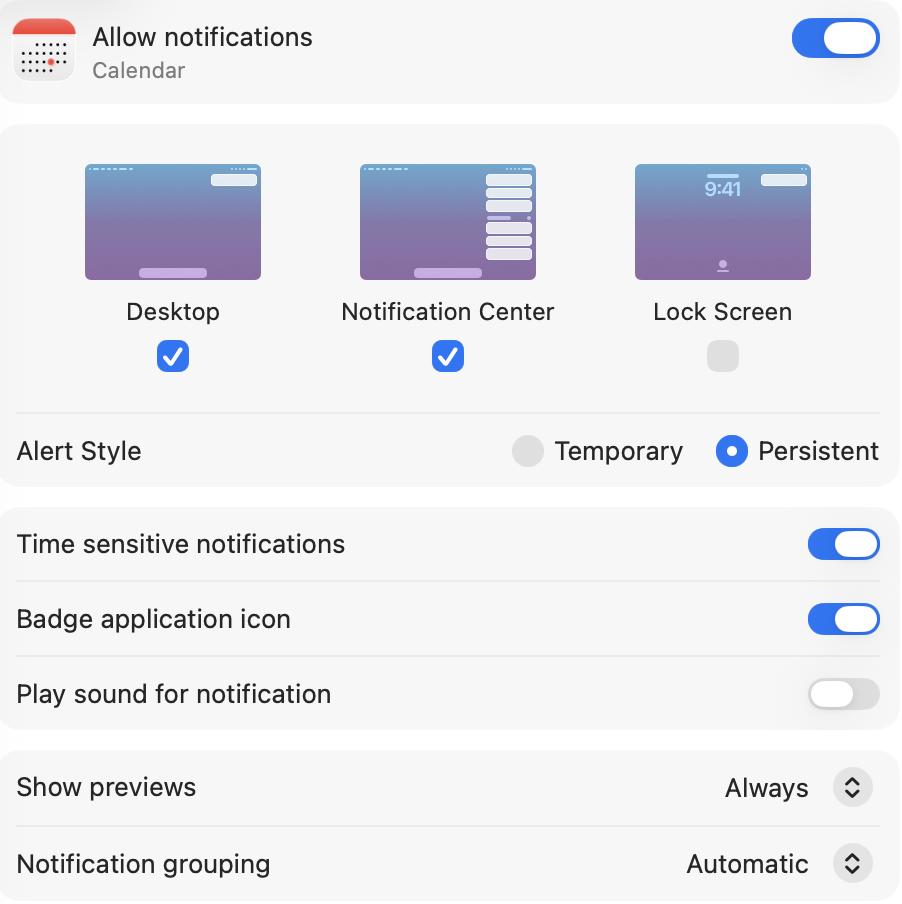
System notifications are of course allowed for Calendar – set for the desktop and the notification center, persistent, and to show previews. Furthermore, they are allowed for Calendar under Do Not Disturb (but which I don’t use).
So what do I still need to do to restore Calendar notifications?
First thing that pops into my mind (and you may have already tried) is to ensure you have granted Calendar permission to display the type of notification you want. System Settings > Notifications > Calendar > Allow notifications. You can also specify the type of notifications you want on that panel.
That may well be it, to just start fresh. I just created a test event for tomorrow and to notify me now, and it worked. So I deleted everything and added the events back in, some of them as reminders (for which I turned on notifications in System Settings). I had a reminder set for today, and the alert worked. But I set one of the new events (for 1/3) to notify me now, and it did not. I guess I’ll have to switch everything to Reminders. I wonder why the one I first tested worked.
Several years ago there was a major “update” to Reminders which meant that, after implementing the update, older macOS were no longer compatible. I remember holding off on the update for a long time so all my Macs and iOS devices could talk to one another. This may be related to your issue.