@dave6
Phone and iPad have the same passcode. Was on phone, it said “enter passcode for iPad”,and when I did it said “No, not the passcode for phone, the passcode for iPad”.
That is truly bizarre, Dave. Don’t do what I told you; just do what I’m telling you!
That’s like an old comedy bit like Who’s on First.
Maybe the chain of bootstrapping devices has a bug involving a loop backwards along the chain? I’ve seen database corruption lead to that kind of mistaken lookup from a record to another record and back to itself. But I’m only guessing, and I defer to Glenn on his much greater experience.
@glennf
[…] In that scenario, the first device added has its passcode (or macOS account password) hashed and used to encrypt the storage set as synce to iCloud.
On the second device in an iCloud set, you use the passcode/password for the device that was first. This allows decrypting the synced data, and now you have two devices. […]
That bootstrap chain is fascinating. I didn’t realize. Of course that’s why I had started reading Glenn’s book, but I hadn’t gotten to that part yet.
I believe if you disable iCloud’s Passwords sync on all current devices, you may then be able to re-enable Passwords and only be presented with passcodes sequentially from each device as added.
Something worth trying after the following advice from @glennf which was directly in his book …
You might also look at your list of devices in Apple Account and remove any old ones if they’re lingering in the list, such as via account.apple.com > Devices.
And that’s why I had started reading Glenn’s book on Apple Accounts.
It had exactly this advice and link there. I’d gone to the indicated link after reading the guidance. There are:
- 6 Apple TVs
- 3 HomePods
- 2 Macs
- – both in current use,
and both of which had this unending hell with Apple Mail being unable to Send
I fixed the Mac Studio
I intend to take the M1 MacBook Air and continue troubleshooting it with other advice from this discussion at a later time
None of these devices were offered to me for authentication by Apple. It took me a while to realize that Apple was asking me about devices I no longer had.
- I try to name my devices uniquely, so I can try to keep track from purchase to purchase
- But after a long enough time and dozens of devices, I don’t necessarily remember which CPU, which generation of device I was using simply by the name.
- I don’t think it’s advisable to name a device “3rd generation iPad” for example, because that is the name visible to anyone snooping on that Wifi network
- Any caveats to that, or am I overthinking it?
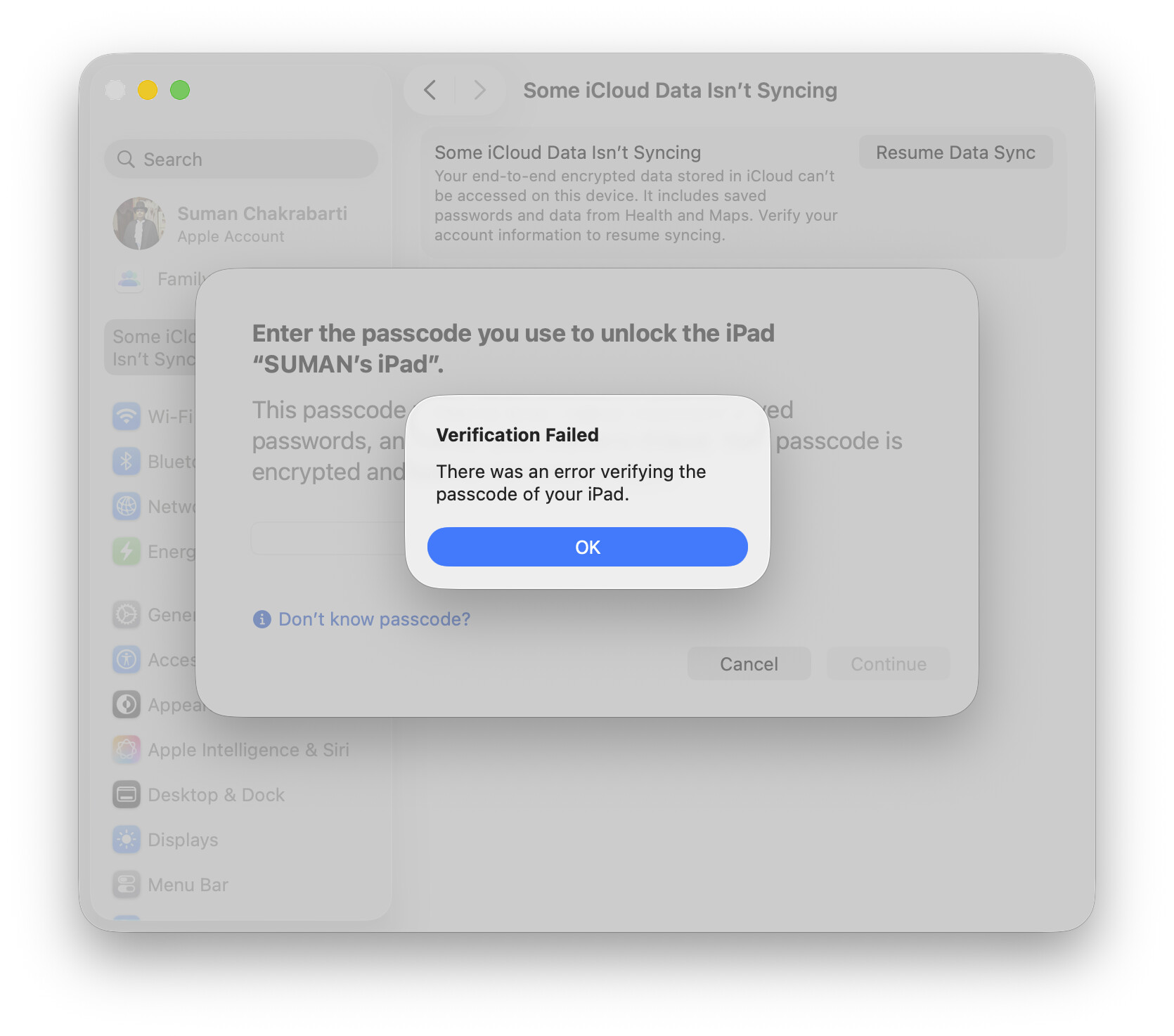
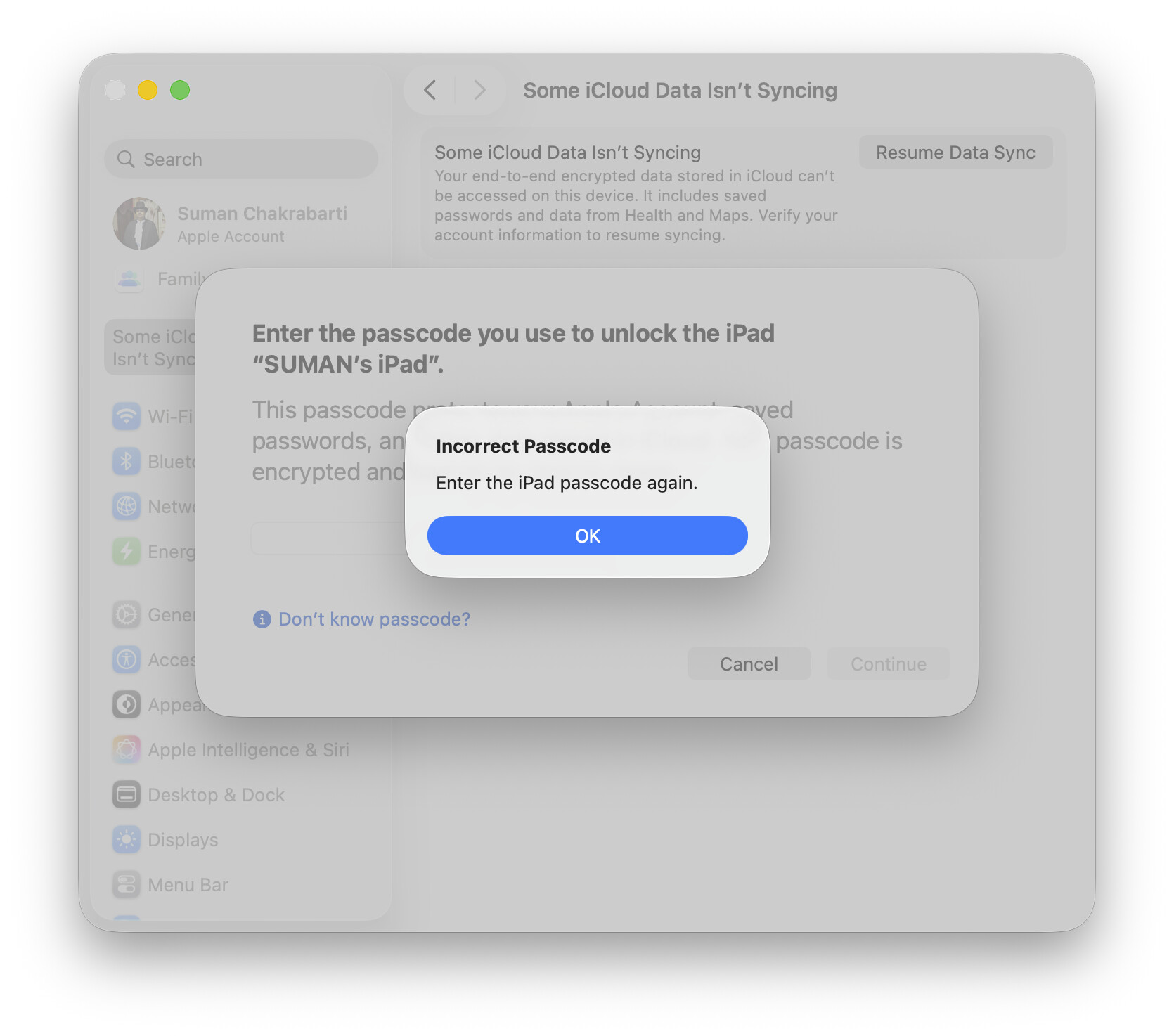
This sequence of three screen shots is typical of the many attempts I made after I got the System Settings Dialog that Some iCloud Data isn’t Syncing:
The first dialog from System Settings
At first I didn’t notice it wasn’t asking me about my CURRENT IPAD
Verification Failed
I’m used to authenticating, so I initially didn’t notice it saying that Verification Failed; NOT that my passcode was the wrong passcode
Incorrect Passcode
This is when I realized–after I tried a different passcode. My first passcode had apparently been correct, but verification still failed
And that’s where I ended up.
Still have more to read in Glenn’s book. Still have a few ideas to try.
But the point is that I no longer remember which past iPad was “SUMAN’s iPad”. The name alone isn’t enough. I don’t always use the same passcode.
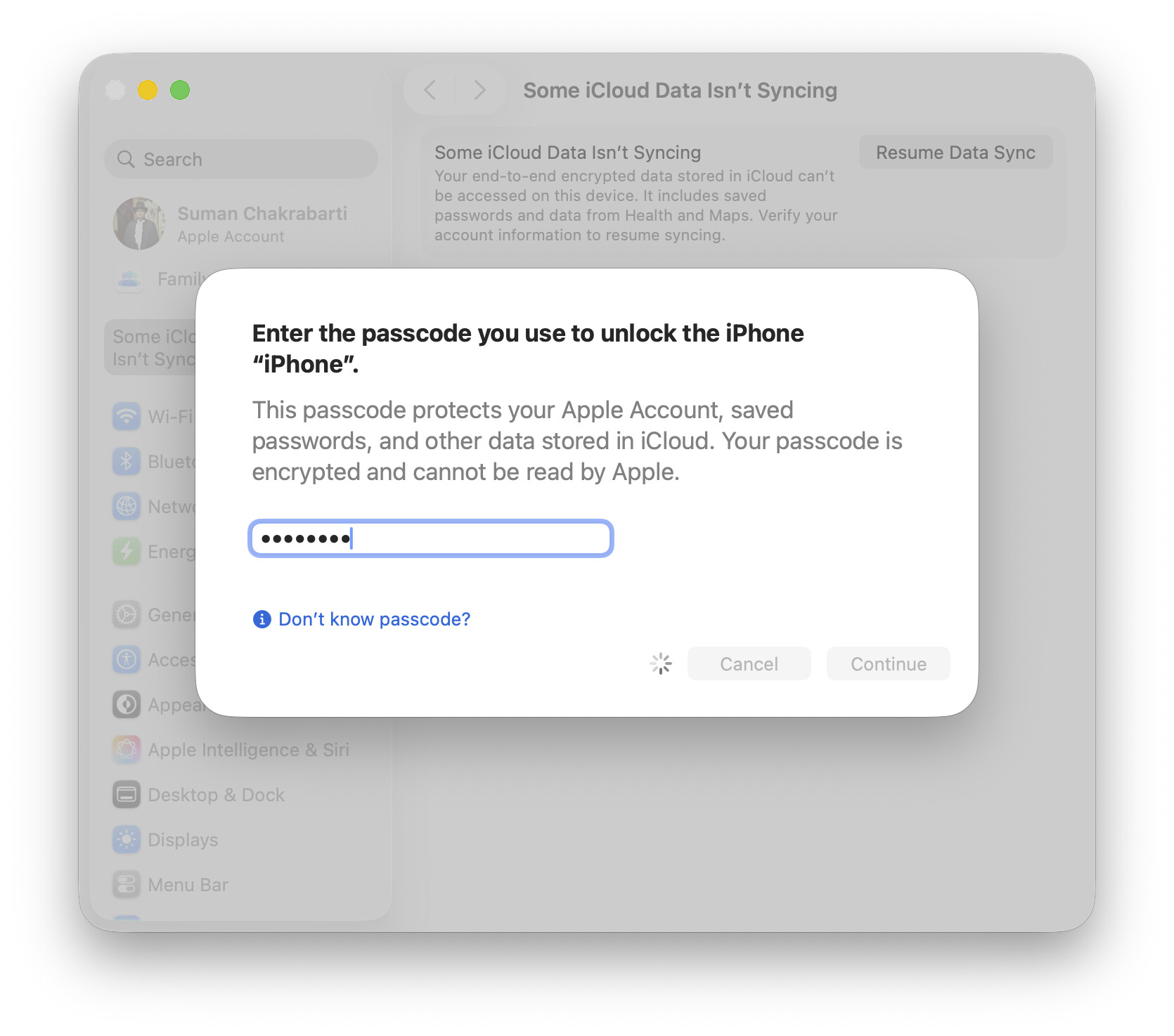
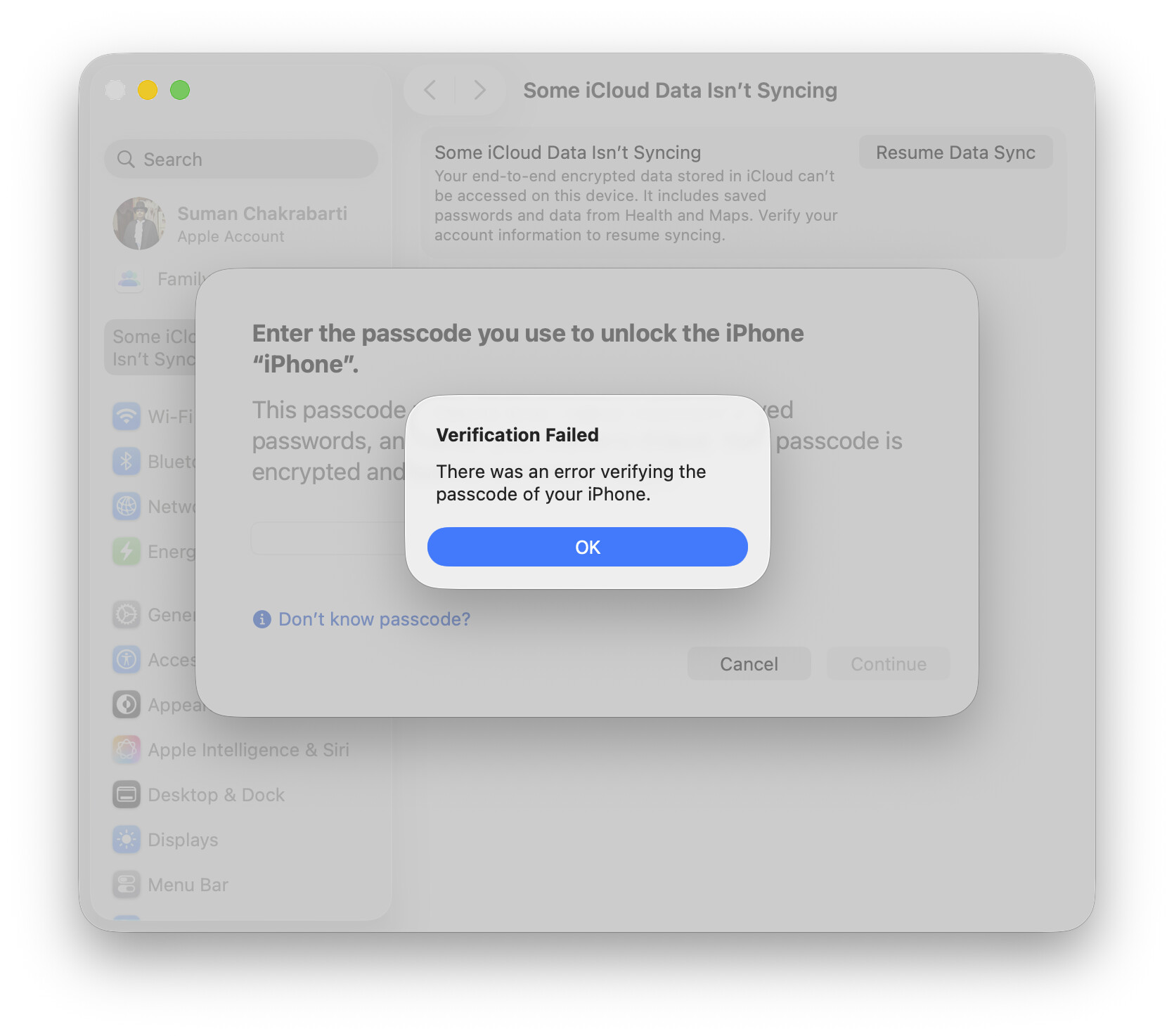
The same thing happened to my iPhone. I started with the iPhone 3G and have owned at least 5 since. I can locate that screen shot if need be, but the point is that I don’t remember that name, and by itself I don’t remember which passcode it would be.
Edit: I located a couple of screenshots, but the name “iPhone” is meaningless to me…
To be continued …
P.S.
Of course I have appreciated all responses thus far. Having been repeatedly humbled, I’m certainly not too proud to admit my flaws