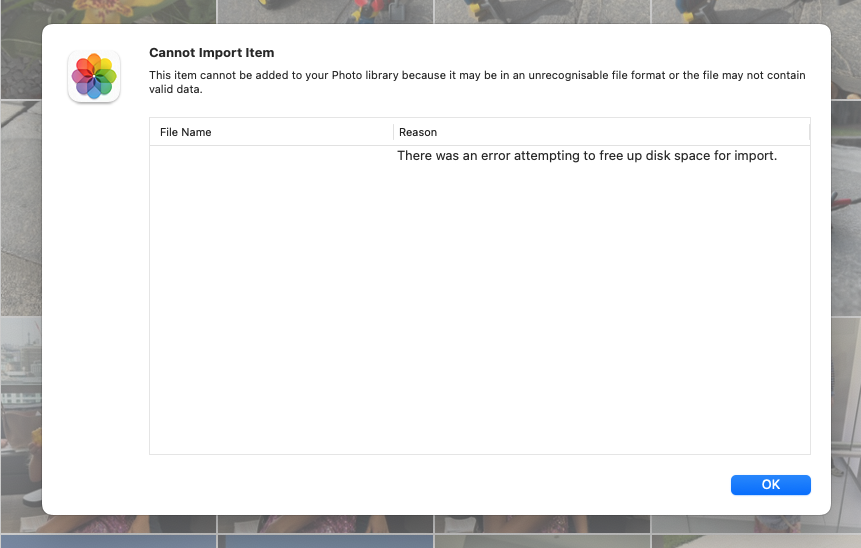
Now this is getting serious - and rather puzzling.
As above I repaired the Photos library - that took a couple of hours, and then copied the entire drive to another. There were four item on the drive; 2 folders of photos totalling about 55GB, and old iPhotos library and the Photos Library.
What i didn’t do was open Photos to see if the issue was resolved - forgot all about that!
I then ran disk first aid but was met with a message (to the effect of)
‘the operation could not be carried out because the disk would not unmount’.
I tried ejecting the disk but got the message ‘the disk could not be ejected because one or more applications are using it’
No applications were running at that moment - other than Finder.
I rebooted the Mini M2 and tried again with First Aid. Once again the same could not unmount message.
However, It did allow me to eject the drive.
Remounting still wouldn’t let first aid have a go.
I decided to erase the drive and start again.
This was successful.
Now the fun
I copied the first three items back to the original drive - that was successful.
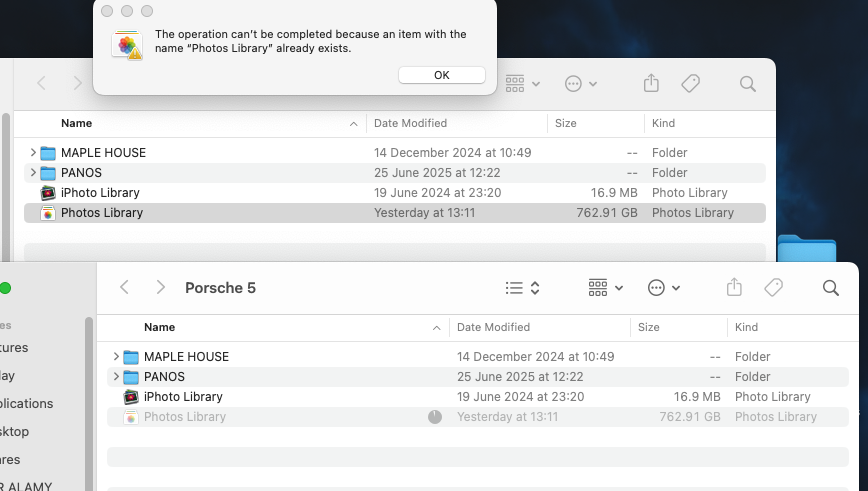
But… while the copying was going on, a fourth item appeared as a ghost with a title that was something like photosphotoslibrary (i didn’t screenshot it).
I attempted to copy the Photos Library back but was refused as "there is already an item called Photos Library - even though clearly there wasn’t.
I tried to deleted the ghost item and was unable to.
Wiped the disk again and started afresh.
The first three items copied over successfully, and this there was no ghost item.
I set the Photos Library to copy back, waited for it to start, then went to bed.
This morning I was greeted with this
The timer indicated that there was 7 minutes to go to completion.
I was able to delete the incomplete transfer and started again.
The same result, this time with 6 minutes to go and 30GB left to copy.
I am now thoroughly confused.
Any help would be greatly appreciated (very greatly!)