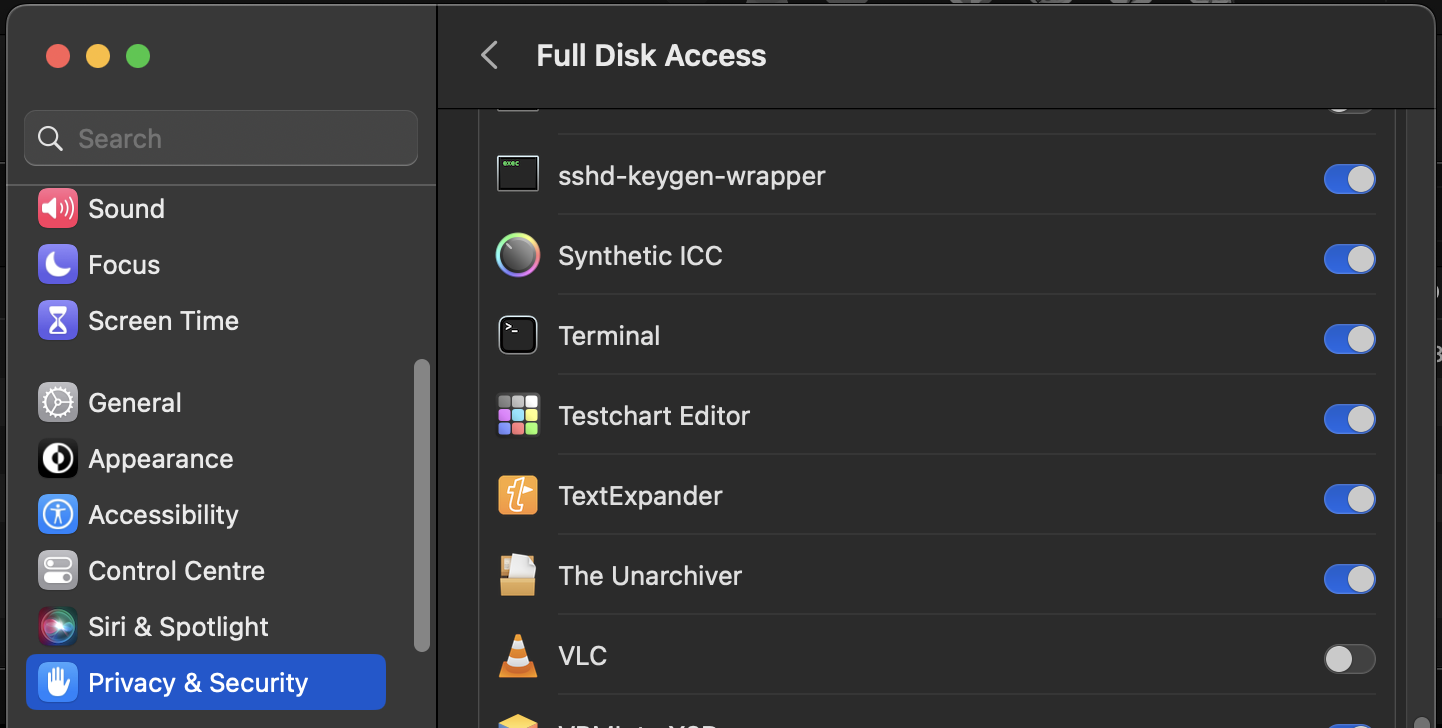
That matches with what I’m seeing. And when I Get Info on various files in the unified Trash, I can see that some are on my drive and others are in iCloud Drive (since I currently have Desktop and Documents syncing turned on, and I delete a lot from my Desktop).
But everything is rational—if I delete something from ~/Downloads, it shows up in the Trash as being on my drive’s Trash, and if I delete something from ~/Desktop, it shows up as being in iCloud Drive’s Trash. It sounds like @jtbayly is seeing everything as located in the Dropbox Trash.
Crazy. I tried it on my computer and my friend’s computer.
cd ~/.Trash
sudo ls -al
The second command failed for both of us with the following error:
ls: .: Operation not permitted
The problem is the same trying it without sudo.
I wonder if my Trash folder is still messed up somehow… Can other people view the contents of their trash folder in terminal? Perhaps the permissions are wrong now.
In my home folder, ls -al doesn’t show the .Trash folder at all unless I use sudo. Using sudo it shows the following permissions for the .Trash folder: drwx------+