These months I am thinking of moving to 1Password or Bitwarden from Apple Password.
Apple Password is great enough for me, but my MacBook Air is almost 7 years which can only stay on macOS 14. I switched my browser from Safari to Firefox so third-party will be better for me.
Even though I can mainly use my iPad Pro my main driver, and although I can be careful when unlocking my device with passcode when it requires, I don’t think it’s a good idea to use Apple Password especially when Stolen Device Protection has not yet introduced on iPad and Mac. If I have third party apps, I can decide where my passwords should stay while Apple’s allows one click.
Yesterday I installed Bitwarden again, strange I don’t think their interface is as bad as before. Maybe they refreshed it (although 1Password is better). The deal breaker for me is that their vault health report is available only on the website, which is not useful because I need to take action asap when they find something unsafe.
No one can accurately foresee the future, but in my own case, 1Password is still working well (I know others may find it bloated), and yes US$47 is a bit overpriced, but I think if I should spend time and money in saving some amount for cheaper services, because it is not as evil as Adobe, which has ridiculously expensive plans with cancellation fees. There are many things more desperately waiting for me to save too!
I need a computer to save my time, but not spending more time on it.
I am not crazy about the price increase, but I think that, on the whole, 1P does a great job. I’ve been using it for years, and a modest increase in their licensing fee isn’t going to make much of a difference. If I weren’t currently committed to a password manager, I’d use the built-in Passwords app. Otherwise, I’m going to stick with 1P.
Understand that I would not be comfortable with this, but 1PW’s solution to this would be to set up an account and use their Web portal that provides “all the functionality” of 1Password without needing to use a local client at all.
My “ancient” 2012 iMac which I keep around for opening certain files will not run newer version of 1PW. In my opinion some of the vulnerability issues that later versions patch are theoretical threats but I’m, um, not that worried about them.
Have you looked at MacPass? While it is version 0.81, it works with KeePass databases and will run on High Sierra (MacOS 10.13) or later. KeePassXC requires Monterey (MacOS 12) minimum. One question is can either of these the 1pif file exported from 1Password?
I’d say that in widely adopted software, where millions of people are users, open source code can be more secure than code that relies on “security by obscurity”. The more people that are using and testing a product regularly makes it more likely flaws and weaknesses will be found.
A classic framework for thinking about this, if you’re interested, is here (don’t worry, the link below points to a section of a blog post that doesn’t take 35 minutes to read):
Open source does not automatically mean more secure;
TL;DR
The “open source means more eyes on the code” argument sounds great in theory. The idea is that everybody can see the code and catch problems early - perhaps before they get released. But is it really better in practice?
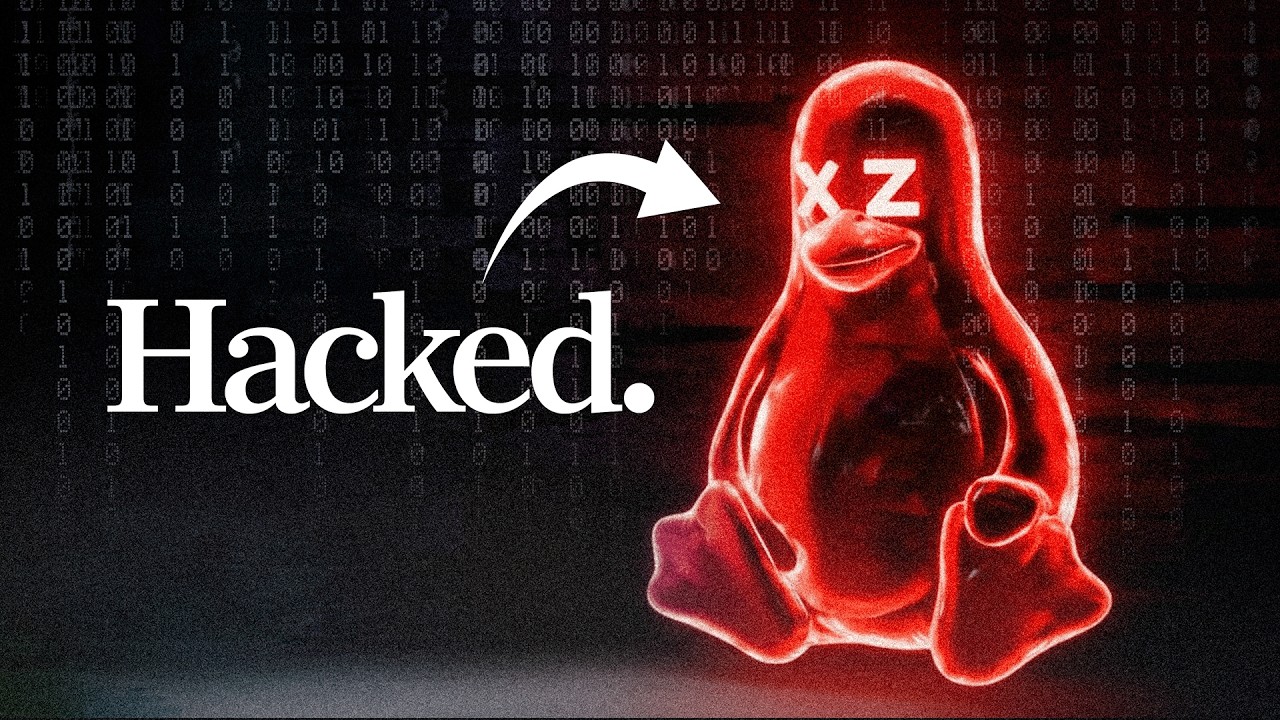
Take the xz package backdoor from 2025. xz is in use by almost every Linux distribution. It’s open source.
xz was maintained by 1 unpaid developer who needed help to keep this project going. The original maintainer added another maintainer to the project. It turns out that second maintainer turned out to be not so trustable as he introduced a backdoor into the package that provided privilege escalation. It probably would have been a severe vulnerability if it shipped.
Nobody performed any additonal review of the code before it was committed. It wasn’t reviewed for security flaws before distros picked it up. It only got discovered when a user who was running a development version of a distro that included this package noticed something funny going on. He reviewed the code, and worked with the original maintainer to stop this compromise.
But we came very, very close to a very nasty remotely exploitable vulnerability being broadly released into the wild. And nobody would have known until after the fact. Just like we do today. Just like what happens with closed source software.
It’s caused some serious conversations about how critical pieces of the open source infrastructure are being maintained and reviewed.
Yes. I’ve agreed with that for a long time; that’s why I wrote “can” above.
For anybody interested, here’s an article I’ve linked to on other discussion boards in the past:
Another vulnerability of the open source model is that low level, “boring” functions do not attract much attention or updates from coders. Plus, as you said, there are no clear lines of responsibility or accountability. For example, if I recall correctly (I can’t search for the specifics right now), there was a web-wide security problem that escaped detection for years because it was tied to a flaw in a time of day lookup routine that nobody had any interest in reviewing…including the person who originally wrote the code.
Actually, the code was reviewed by many people. But this person was extremely sneaky and slipped the back door in via files nobody typically reviews (the data files used for the build’s automated self-test).
Coincidentally, Veritasium just posted a video talking all about this exploit:
The experts interviewed in this video maintain (and I agree) that this is not a fault of open source as a concept. Back doors can be and have been slipped in by untrustworthy employees and contractors for major corporations as well. And with a closed-source product, it would be impossible for any outsider to fix the problem before doomsday.
And thanks to this incident, the communities responsible for Linux distributions are much more careful than they have been in the past.
I recall in the “bad old days” of mainframe computers, there were no shrink-wrap licenses. Instead you paid big bucks and signed a license agreement with a representative. Which means your cost included the pay of that representative and either their travel time or more indirectly your own. There were also maintenance agreements you couldn’t really do without lest your software stop working every time a minor change was made to either your machine or OS. So really not all that different from software subscriptions. I hate them too, but until AI takes over, developers have to be paid.
If Passwords provided the features that 1PW has and I use…switching would be a no brainer. But…it doesn’t, Secure Notes is a big one for me and I have never seen any security evaluation of the locked note feature in Notes so that’s a no go. I’m personally still on 1PW v7 with the subscription…but at this point all the no go features in v8 have=e been resolved…but I’m going to use v7 and DripBox until it quits working.
Ditto except standalone. With my iMac maxed out at High Sierra, and my MBP maxed out at Monterey, Apple’s Passwords.app isn’t available to me, plus I also use 1Pwd7’s Secure Notes. I’d like to see if there IS a way to use Apple’s Passwords for secure notes by maybe creating fake logins. I also use the Software Licenses category of 1Pwd; does Apple’s app have a similar capability?
I was using password safe and that worked fine. Got lazy and went to iOS Passwords, not as easy to use but with password history being there now it is really decent.
1Passwords is not worth it if you are thinking to try one out. Just use the free open source password safe. It has the same features over 10 years ago.
The reason the author ended nicely is because they got a break and continue to pay legacy price. For the nice price it’s for sure not worth it.
I used 1P until it went subscription, and now use Apple Password as my needs did not require the extra features of 1P. The lengthy constructed passwords by both 1P and Password are a nuisance when logging into a service while using a computer/device that is not yours.
The strong, long and unique passwords, created by password management software, do not count for much when they are hacked or stolen from a company or organisation to which you have given your strong, long and unique passwords when setting up an account. Not much stealing or hacking happens at the home computer.
A real issue is trying to get a company or organisation to delete your account together with your details and password and to be out of hacking range - to paraphrase Seinfeld “they take your password and they keep your password’.
I dropped 1Password many many years ago when they did something similar. A security expert at a company I then worked for advised me to look at Secure Safe ( Business cloud for documents & passwords | SecureSafe Bundle ), a Swiss based company (which is a plus for me as a European). They have an app for iOS/iPadOS and a browser plugin for Safari. Works cross platform too (but I have no experience with non-Apple platforms). They have several plans, starting with free with limited use. I have been using the Secure Safe middle plan for like forever and pay about € 18/year now. I can recommend it without hesitation.
This is simplifying things a bit, but a proper service for which you set up any password never stores the actual password - they store a hashed version. A hash is a one-way easy to compute cryptographic algorithm that reduces the data entered to a fixed set of bits; a proper hash will have about half of the bits change if you change one character bit of the password. You cannot reverse the results of a cryptographic hash. Hopefully they will store a salted hash, which means that they add a random bit of data to the password you enter, unique to each account. Then, each time that you try to log in, they compare the hash of the password you enter to the hash that they have stored for your account.
Not that everyone has always done it this way, which is why passwords have been breached in the past, but everyone should be doing it this way by now, and should be offering to use passkeys instead of passwords very soon, if they are not already.
So, long and random passwords do matter because if account data is hacked now, the only way to derive someone’s password is to guess it, or, for hashes that are not salted, figure out the hashing algorithm and compare the hash to some pre-computed hashes of commonly-used passwords, and the longer/more random the password, the longer it will take to guess the password.
I know that they are supposed to do as you suggest (and do it with other methods such as PAM et al). But many organisations don’t and I’ve found many don’t have any clue or are reluctant to incur the expense, particularly smaller companies. As well, offshore storage is difficult to supervise and enforce. I was really making the point that password managers have a limit, and that limit is not caused by the password application. I do take notice of your points posted.
I’m a happy Proton user overall, but still use 1P for passwords (inertia, mostly). I just took a quick look at Proton Pass and it seems to check all of the boxes including functioning on multiple platforms, attaching files, support for credit cards and personal documents, etc. It’s well reviewed in general and Swiss-based which has some advantages, too. Anyone out there have experience using Proton Pass? How does it function in Safari, Arc, Brave, etc?
What moved me away from 1Password was their move to cloud storage. The subscription model bothered me, but the cloud approach was the deal-breaker. And that was a while ago. So now I don’t care how much 1Password raises its prices.