It is 2.11 in macOS 26.4 as well.
This is an odd problem. All the Applescripts I’ve tried run properly and some go back to 2006. However some cannot be opened in Script Editor. The one on the left won’t open; the one on the right opens. Note both of them are more than 15 years old.
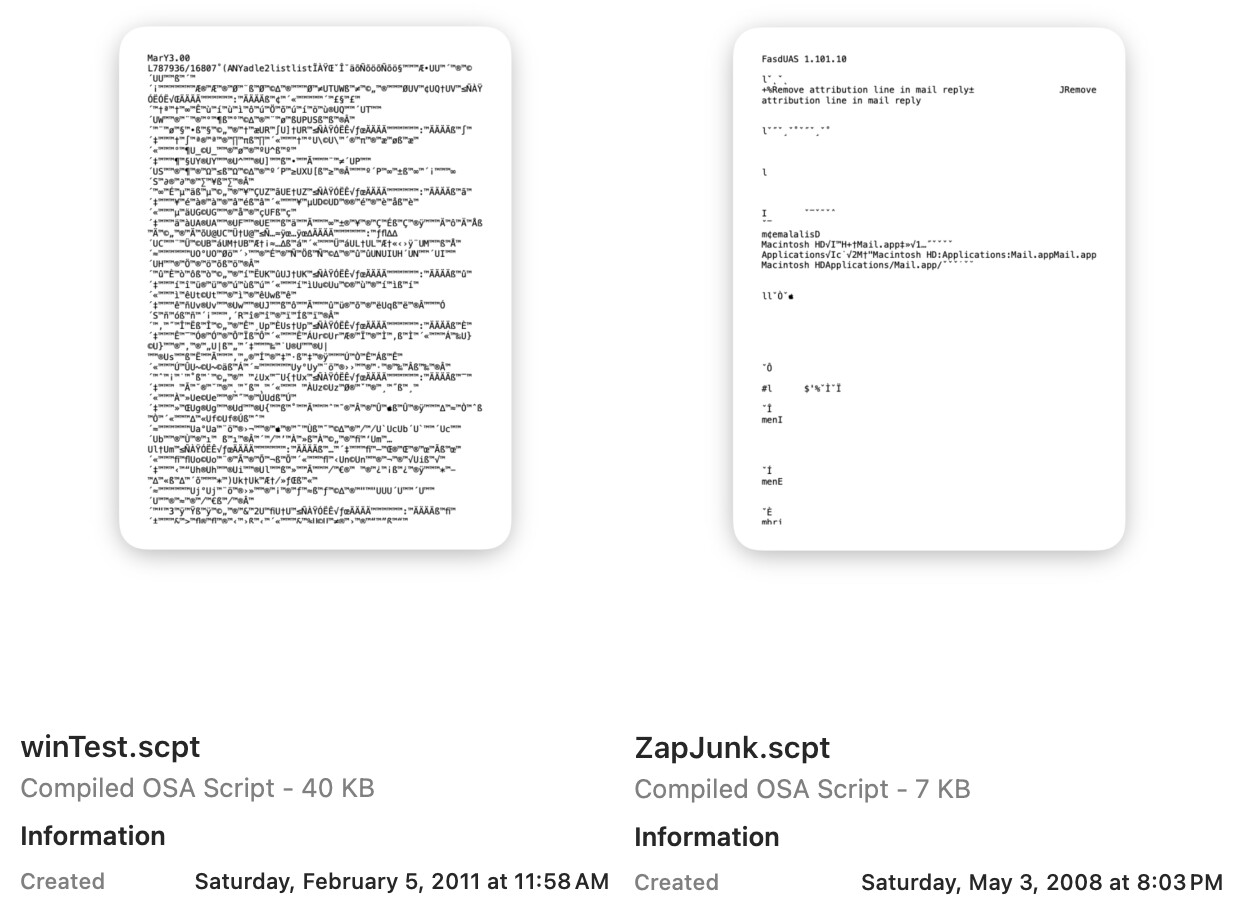
If you open winTest.scpt in Script Debugger, it’s fine, and if you then save it as a new script its file size goes from 40K to 10K and Script Editor can open it. So it seems some older scripts are including a binary something (yes, I checked, it’s a big chunk of binary in there) that Script Editor won’t open. New compiled scripts have binary, too, but much less of it for scripts of equal lines.
If you attempt and fail to open a file Script Editor will refuse to open any subsequent ones. Quit Script Editor, relaunch it, and it will open scripts without the mysterious binary blob.
If you need to recover old scripts the best thing to do is to open them in Script Debugger and then save out a copy as a new script.
Sadly, Script Debugger was retired in 2025. However, bless their hearts, you can download the most recent version here for free. You can read more about the retirement here. Script Debugger is/was a fantastic Applescript development environment. Why, it almost made writing Applescripts a pleasure. . . . 


Don’t be intimidated by the fancy window, you’re just opening a script and saving out a copy.
Dave