I ran into this confusing problem myself not long ago.
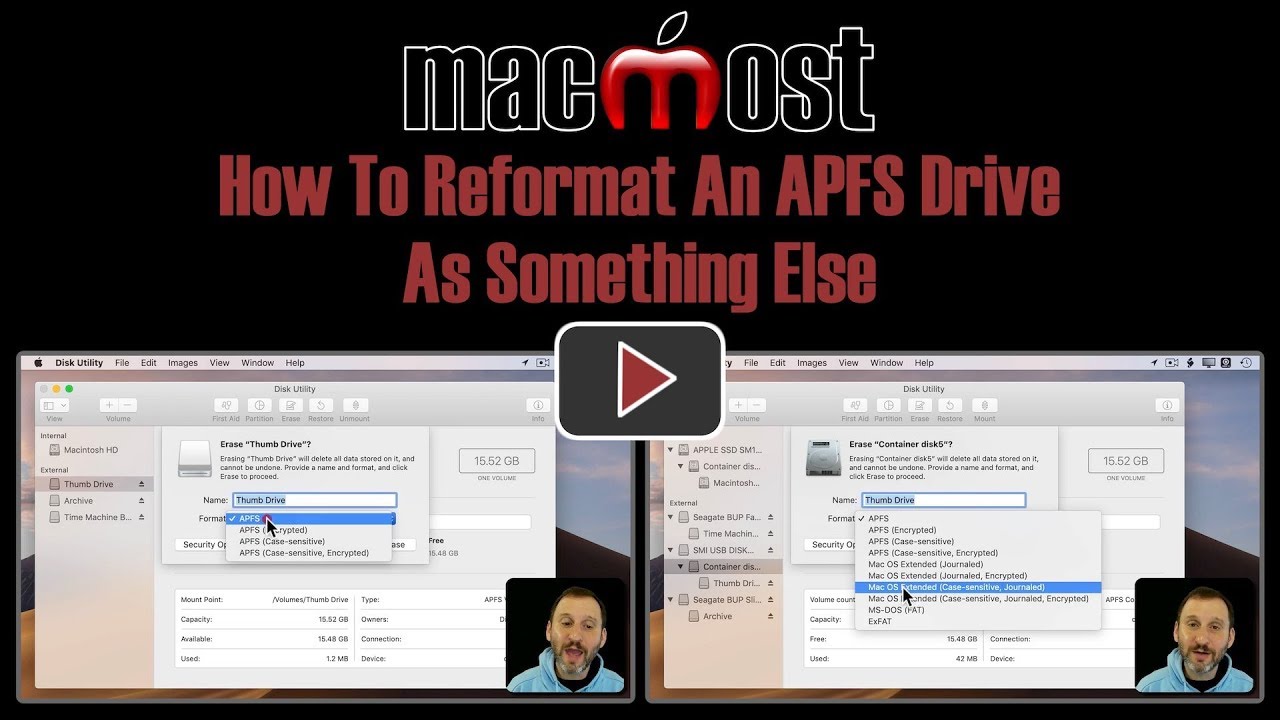
- In Disk Utility, go to the “View” menu, and make sure that “Show All Devices” is selected instead of “Show Only Volumes”.
- Once you have “Show All Devices” selected, you should be able to select the USB drive or its top-level APFS container and see all the formatting options.
Here is a short video that runs through the steps:
By the way, I’ve seen Gary Rosenzweig’s MacMost website mentioned on TidBITS before, but I don’t know if I’ve actually visited his site before today. He has an impressive collection of videos on his YouTube channel, ranging from the basics to expert-level explanations. Recommended!