OK, success again yesterday with SuperDuper! and my 2 bootable backups for my Macs. And that was with OS 15.3.1. Allis well with bootable backups!
After years of religiously making bootable backups I got a new M4 mini last month, when bootable backups were (temporarily, as we now know but didn’t then) out of the picture under 15.2. I didn’t immediately switch from data-only to bootable backups when they came back under 15.3, and this morning had an issue* that could have been solved in an instant if my last night’s backup had been bootable. Instead I lost the whole day in chats & calls with Apple support, who in the end couldn’t resolve it, and now face hours (probably weeks) of laborious manual troubleshooting.
Moral: if you can make a bootable clone, do it. Apple can deprecate it all they like, but I wish to god I’d ignored them harder.
*For the curious, my mini suddenly only recognises two of the three connected displays at a time; the HDMI one is only recognised if I disconnect one of the Thunderbolt ones. (But this thread isn’t the place for bright ideas on that!)
Thanks for that! I’ve been preaching this on all 3 of these discussions, and some folks kind of “bash” me. But your post is definitely appreciated! And it just reinforces what I have been saying about bootable backups.
Just to restate, SuperDuper! (SD) is currently the only program that produces such backups. For CCC and ChronoSync, it is “hit and miss”. One thing though is that when doing the backup, make sure the external device is not plugged into the DFU port. SD will still do the backup if it is plugged into that port, but it will not be bootable.
Also, it’s wise to keep your Mac “lean, mean, and clean”, to make sure just about everything functions fine, including using SD.
Enough preaching, enough restating, enough criticizing Carbon Copy Cloner and ChronoSync. As far as I’m aware, they and SuperDuper do equally good jobs making bootable backups using asr. Make sure to test any bootable backup you make to ensure that it can actually boot your Mac given the known bugs in 15.3’s asr with recreating caches that prevent some backups from booting. If that’s the case, it can be fixed by reinstalling macOS over the backup’s copy.
5 Likes
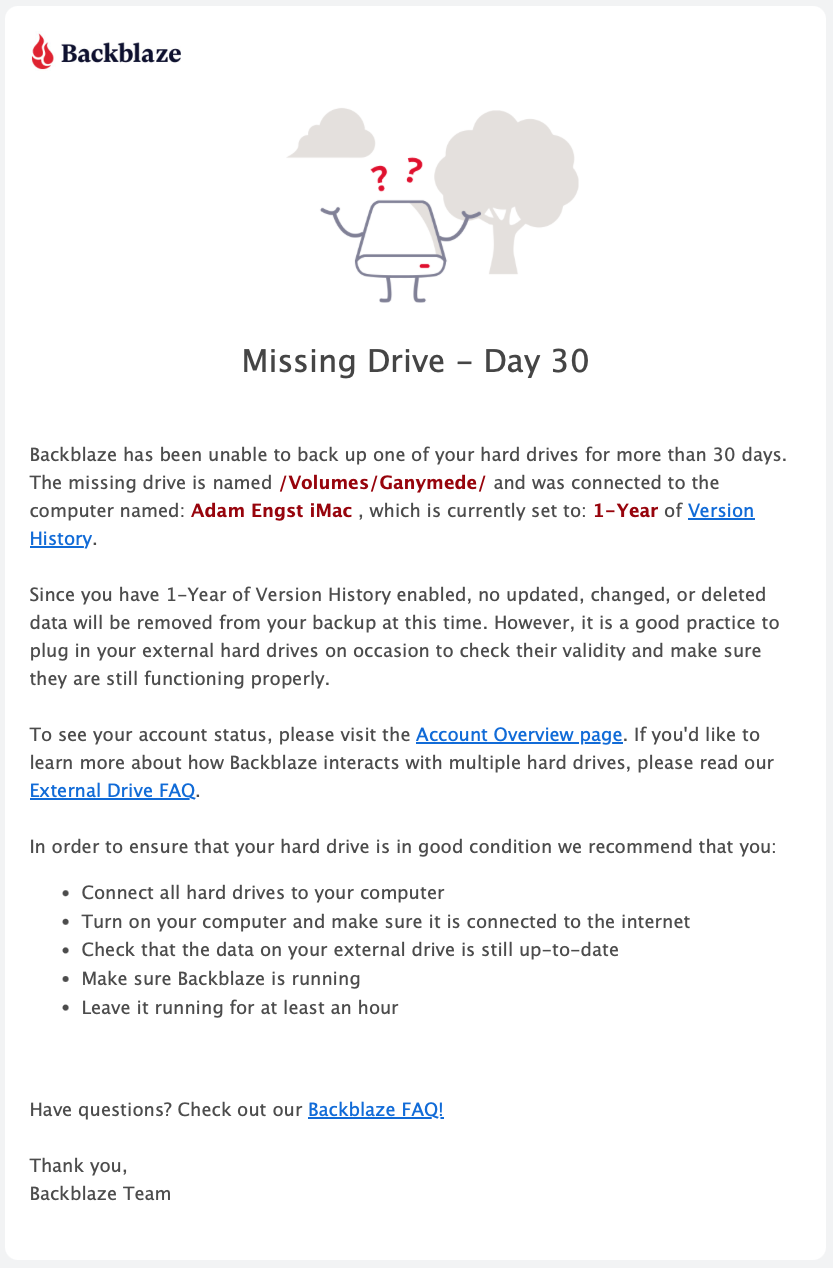
I just discovered another reason to turn on the extended version history in Backblaze, which is that it seems to make Backblaze more relaxed about external drives that aren’t always available. I have several archive drives, and although Backblaze generally asks me to turn them on every 14 days, I apparently missed a notification and one went 30 days, triggering this message, which says that I don’t have to worry about losing the backup contents because of keeping it offline for longer than 14 days.