Just wanted to add my recent experience to this older topic. I used Migration Assistant to setup my new M4 MacMini from a SuperDuper backup. As Mike says, all backup products are limited by asr.
The backup was from a 2018 Intel iMac. It had been updated in place four OS versions from Mojave to Ventura and had over 150 applications. Everything ran well, no major problems, but the i9 processor was showing its age. (I did have a mysterious large space usage increase; solved that by deleting all local snapshots)
I was initially reluctant to use MA, even though I keep good track of my license keys and other settings. But the SuperDuper backup was on a fast SSD and the MacMini SSD is fast, so I gave it a try. Had ~800 GB and MA took just over an hour, sweet!
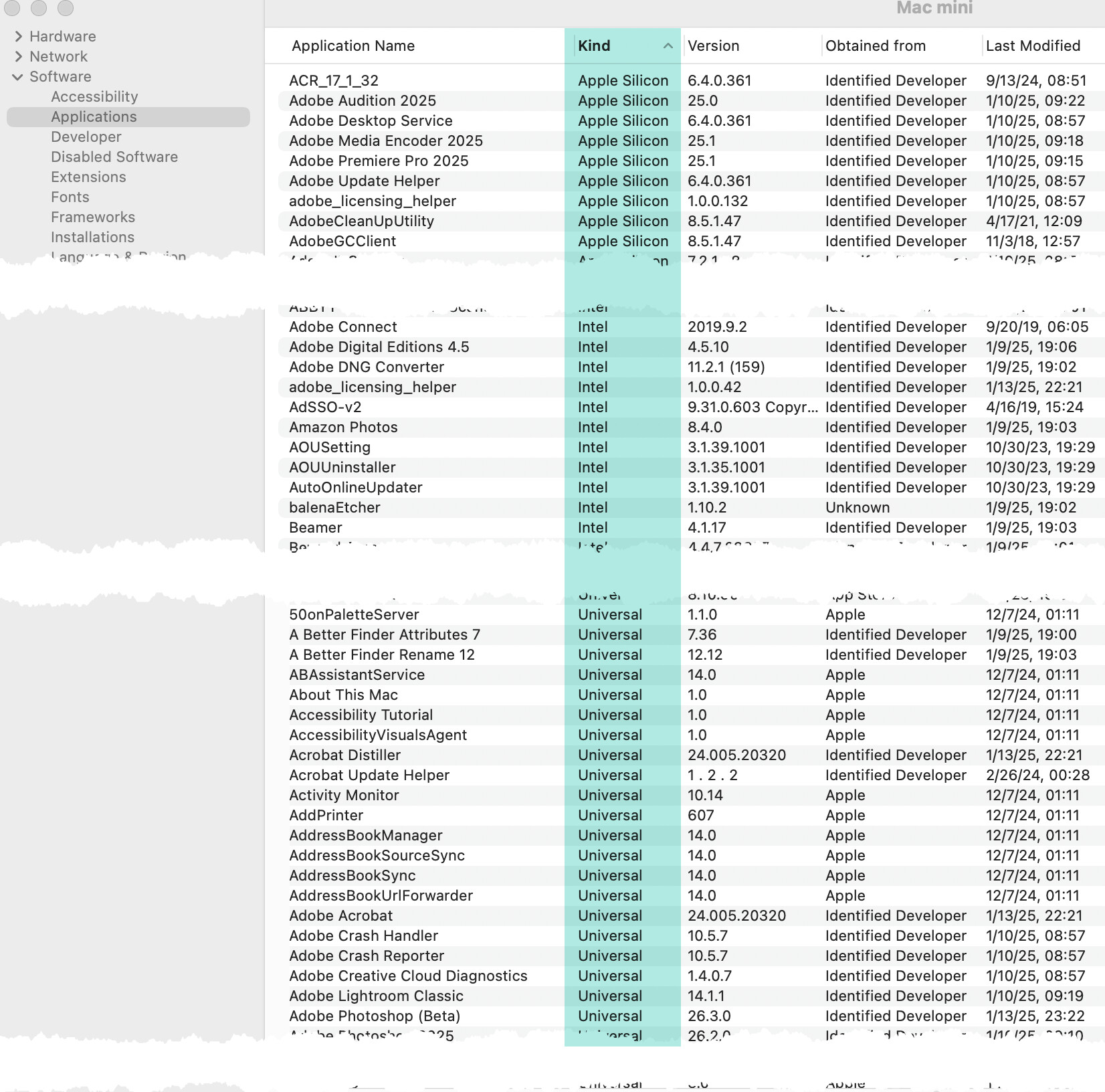
I was really pleased. All but a few settings transferred. All data and apps no problem. I did have to go through and replace Intel apps with native Apple Silicon (Adobe, MS Office, assorted others). System Information/Software/Applications has a column showing the Kind for each application; I sorted by that and searched for Intel apps and replaced with native Silicon or Universal (both take full advantage of Silicon). Ilustration below (cropped out my (embarrassingly) large number of apps to show the kinds).
Some apps required reentering license keys, a simple copy and past from 1Password for me. I did use the Adobe Creative Cloud Cleaner tool before reinstalling Adobe apps to get the Universal versions and clean out all Adobe cruft.
So, I took a flyer and tried MA, figuring the worst was it would be a mess and I’d wipe the Mini and do a clean install. I’m very happy I gave MA a try, it has saved me a week or two of mind-numbing effort.
Bootable clones saved me on several critical times in the past, and I do miss them. But I have not had to use one in the last few macOS versions (knock on wood). SuperDuper makes quarterly, monthly, daily backups to SSD; yearly to spinning. Backblaze is the second location. iCloud and Dropbox for easy sharing and third location for most critical data. TimeMachine runs on an old spinning platter out of habit; cannot remember the last time it was useful, but it’s there.
So I’m grateful to the work SuperDuper and CCC have gone to to give us the ability to make these migrations without a lot of pain!
System Information/Software/Applications: